
3.2k Views
113 Executions
TubersXXX gui v1
Universal Script 📌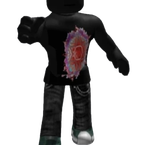
Team666Published 5
2 years ago
Please login to perform these actions:Does it work?
No reports yetNo reports yet. Tried it? Be the first to say.
Also noticed:
Description
TubersXXX gui v2
local player = game.Players.LocalPlayer -- made by TubersXXY
local char = player.Character or player.CharacterAdded:Wait()

local gui = Instance.new("ScreenGui", player:WaitForChild("PlayerGui"))
gui.Name = "TubersXXX_gui_v2"
gui.ResetOnSpawn = false

local frame = Instance.new("Frame", gui)
frame.Size = UDim2.new(0, 500, 0, 400)
frame.Position = UDim2.new(0.5, -250, 0.5, -200)
frame.BackgroundColor3 = Color3.fromRGB(30, 30, 30)
frame.BorderSizePixel = 0
frame.Active = true
frame.Draggable = true

local title = Instance.new("TextLabel", frame)
title.Size = UDim2.new(1, 0, 0, 40)
title.Text = "TubersXXX Gui v2"
title.TextScaled = true
title.BackgroundColor3 = Color3.fromRGB(50, 50, 50)
title.TextColor3 = Color3.new(1, 1, 1)
title.Font = Enum.Font.SourceSansBold

local closeBtn = Instance.new("TextButton", frame)
closeBtn.Size = UDim2.new(0, 80, 0, 30)
closeBtn.Position = UDim2.new(1, -85, 0, 5)
closeBtn.Text = "CLOSE"
closeBtn.BackgroundColor3 = Color3.fromRGB(180, 0, 0)
closeBtn.TextColor3 = Color3.new(1, 1, 1)

local openBtn = Instance.new("TextButton", gui)
openBtn.Size = UDim2.new(0, 100, 0, 40)
openBtn.Position = UDim2.new(0, 10, 0, 10)
openBtn.Text = "OPEN GUI"
openBtn.BackgroundColor3 = Color3.fromRGB(0, 150, 0)
openBtn.TextColor3 = Color3.new(1, 1, 1)
openBtn.Visible = false

closeBtn.MouseButton1Click:Connect(function()
	frame.Visible = false





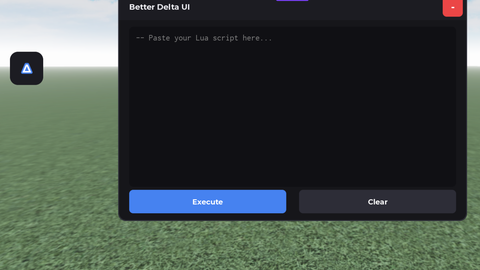
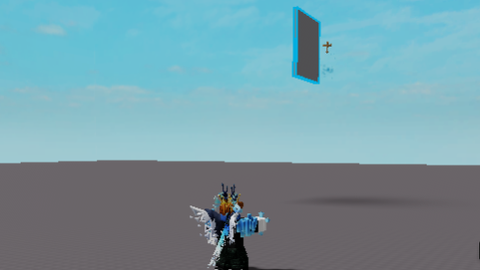
?
ts buns