341 Views
13 Executions
Test
Universal Script 📌
FEscript_showcaserPublished 5
9 months ago
Please login to perform these actions:Does it work?
No reports yetNo reports yet. Tried it? Be the first to say.
Also noticed:
Description
Idk
-- LocalScript in StarterGui

local Players = game:GetService("Players")
local PathfindingService = game:GetService("PathfindingService")
local UserInputService = game:GetService("UserInputService")
local Workspace = game:GetService("Workspace")

local player = Players.LocalPlayer
local character = player.Character or player.CharacterAdded:Wait()
local humanoid = character:WaitForChild("Humanoid")
local rootPart = character:WaitForChild("HumanoidRootPart")

-- Find killbricks (assume parts named "Killbrick")
local killbricks = {}
for _, part in ipairs(Workspace:GetDescendants()) do
    if part:IsA("BasePart") and part.Name == "Killbrick" then
        table.insert(killbricks, part)
        -- Add PathfindingModifier if not present
        local modifier = part:FindFirstChildOfClass("PathfindingModifier")
        if not modifier then
            modifier = Instance.new("PathfindingModifier")
            modifier.CostsMultiplier = 10  -- High cost to prefer avoidance
            modifier.Parent = part
        end
    end
end

-- Create GUI
local screenGui = Instance.new("ScreenGui")
screenGui.Name = "AIToggleGui"
screenGui.Parent = player:WaitForChild("PlayerGui")

local toggleButton = Instance.new("TextButton")
toggleButton.Name = "ToggleButton"
toggleButton.Size = UDim2.new(0, 150, 0, 50)
toggleButton.Position = UDim2.new(0.5, -75, 0.8, 0)  -- Adjusted position
toggleButton.BackgroundColor3 = Color3.fromRGB(255, 255, 255)
toggleButton.Text = "Toggle AI: Off"
toggleButton.TextSize = 18
toggleButton.Draggable = true


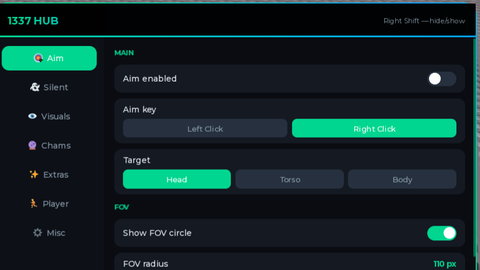



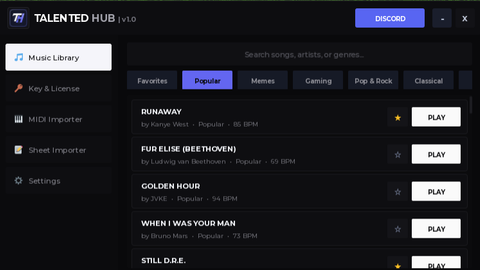
Ik it's AI. It's a test.
lebron
ai