
6.1k Views
54 Executions
OrionLib fixed bugs for mobile
Universal Script 📌
Seven7First script
2 years ago
Please login to perform these actions:Does it work?
No reports yetNo reports yet. Tried it? Be the first to say.
Also noticed:
Description
This OrionLib has been updated to fix bugs and add new feature: • Slider issues fixed on mobile • Keybind issues fixed on mobile • ColorPicker issues fixed on mobile • Draggable issues fixed on mobile • ToggleUI function added
Updates
Script edited: Create script
local OrionLib = loadstring(game:HttpGet(('https://raw.githubusercontent.com/Seven7-lua/Roblox/refs/heads/main/Librarys/Orion/Orion.lua')))()

local Window = OrionLib:MakeWindow({Name = "Title of the library", HidePremium = false, SaveConfig = true, ConfigFolder = "OrionTest"})
local Tab = Window:MakeTab({
	Name = "Tab 1",
	Icon = "rbxassetid://4483345998",
	PremiumOnly = false
})
OrionLib:MakeNotification({
	Name = "Title!",
	Content = "Notification content... what will it say??",
	Image = "rbxassetid://4483345998",
	Time = 5
})
Tab:AddButton({
	Name = "Button!",
	Callback = function()
      		print("button pressed")
  	end
})
Tab:AddToggle({
	Name = "This is a toggle!",
	Default = false,
	Callback = function(Value)
		print(Value)
	end
})
Tab:AddColorpicker({
	Name = "Colorpicker",
	Default = Color3.fromRGB(255, 0, 0),
	Callback = function(Value)
		print(Value)
	end
})
-- ColorPicker:Set(Color3.fromRGB(255,255,255))
Tab:AddSlider({
	Name = "Slider",
	Min = 0,
	Max = 20,
	Default = 5,
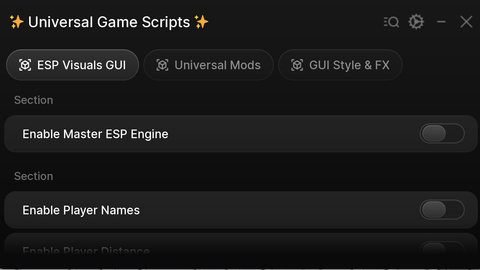
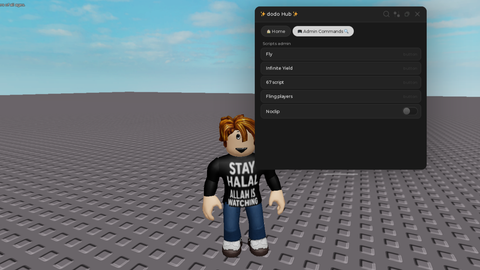


the gui is not loading
I'm trying to make my script with this orion library version but the gui is not appearing
How to make custom toggle ui image?