

Does it work?
No reports yetNo reports yet. Tried it? Be the first to say.
Description
What is this code? This code is Remote Spy, a powerful tool that helps you explore and manage RemoteEvents and RemoteFunctions in Roblox games. It works on Executors like Synapse X, Krnl, or Script-Ware, and more executor all mobile and support mobile, PC is designed to make it easier to understand and interact with Remotes in games. --- Features of Remote Spy: 2. Search for Remotes: The code automatically searches for all RemoteEvents and RemoteFunctions in the game. It displays them in an organized list with details such as name, type, and path. 🔍 3. Interact with Remotes: Execute Remotes: Input the arguments (Args) and click Execute. Copy Script: Copy the script text to execute the Remote directly. Add Notes: Add notes to each Remote for easy identification. 📝 Favorite Remotes: Mark specific Remotes as favorites. ⭐ 4. Additional Features: Search and Filter: Search for specific Remotes or filter them by type (Events or Functions). Auto Execute: Select Remotes to execute automatically when using the Execute All button. Safety Mode: Reduce the repetition frequency to prevent server overload. 🔒 --- How to Use the Tool: 1. Open the Interface: After loading the code, the interface will appear in the game. You can toggle the interface's visibility using the Toggle button. 👀 2. Browse the Remotes: A list of all the Remotes in the game will appear. Use the filter buttons (All, Events, Functions) to display specific Remotes. 🗂️ 3. Interact with Remotes: Enter Arguments: Type the required arguments in the Args field. Set Repeat Count: Enter the number of repetitions in the Repeat field. Click Execute: To execute the Remote. 🚀 4. Use Additional Features: Add Notes: Write notes for each Remote in the Annotation field. Mark as Favorite: Click the Favorite button to mark a Remote. ⭐ Copy Script: Copy the script text to execute the Remote using the Copy button. 📋 5. Save Configurations: Click Save Config to save your settings (such as notes, repetition, favorites). You can later load your settings using Load Config. 💾 6. Export Results: Click Export Log to export the execution log to your clipboard. 📤


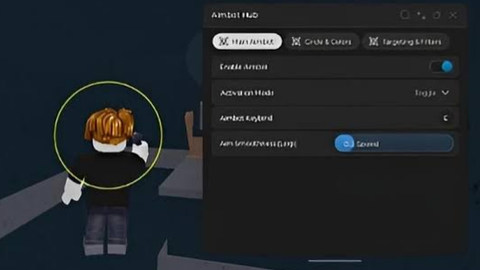


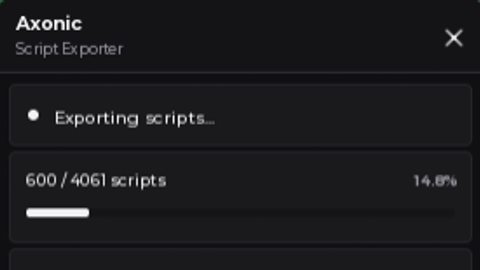
it is working but the gui is too big
it is too big can u make it small my phone can't minimize it
10/10 busted at the last execute, will try again.
If there is an error write it here. Thanks to everyone who used our script. 👻