644 Views
8.8k Executions
Fly guy v1
Universal Script 📌
1 month ago
Reviewed by QueueSherlockPaid revieweron How review works
Does it work?
No reports yetNo reports yet. Tried it? Be the first to say.
Also noticed:
Description
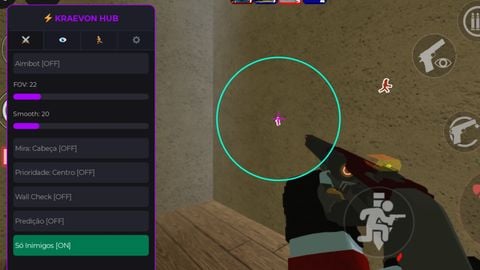
It's just a "fly guy" have fun, my friend.
-- ========================================================
-- FLY GUY V1
-- ========================================================
local Players = game:GetService("Players")
local UserInputService = game:GetService("UserInputService")
local RunService = game:GetService("RunService")
local player = Players.LocalPlayer

-- 1. ASEGURAR QUE SI SE EJECUTA OTRA VEZ, SE BORRE LA ANTERIOR
if player.PlayerGui:FindFirstChild("FlyGuyGUI") then
    player.PlayerGui.FlyGuyGUI:Destroy()
end

-- Crear la ScreenGui principal
local screenGui = Instance.new("ScreenGui")
screenGui.Name = "FlyGuyGUI"
screenGui.ResetOnSpawn = false
screenGui.Parent = player:WaitForChild("PlayerGui")

-- Ventana Principal (Estilo Cyberpunk / Moderno)
local mainFrame = Instance.new("Frame")
mainFrame.Name = "MainFrame"
mainFrame.Size = UDim2.new(0, 280, 0, 150)
mainFrame.Position = UDim2.new(0.5, -140, 0.4, -75)
mainFrame.BackgroundColor3 = Color3.fromRGB(18, 18, 24)
mainFrame.BorderSizePixel = 0
mainFrame.Active = true
mainFrame.Draggable = true
mainFrame.Parent = screenGui

-- Esquinas redondeadas para la ventana principal
local mainCorner = Instance.new("UICorner")
mainCorner.CornerRadius = UDim.new(0, 8)
mainCorner.Parent = mainFrame

-- Sombra o borde elegante con UIStroke
local mainStroke = Instance.new("UIStroke")
mainStroke.Color = Color3.fromRGB(80, 100, 255)
mainStroke.Thickness = 2
mainStroke.Parent = mainFrame
Comments
0Log in to join the conversation. Login
No comments yet. Be the first!