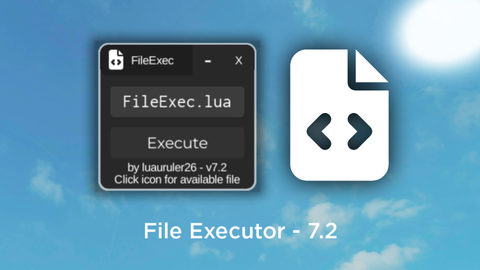
File Executor
Universal Script 📌
Does it work?
No reports yetNo reports yet. Tried it? Be the first to say.
Description
# FileExec You can use this script to execute large scripts, but in file extension . # How to Use? First execute the script before adding the file in the "FileExec" folder, then, you have to go to your executor folder, and to the workspace folder, then find the "FileExec" folder and enter the file, and put the large script file into the folder, don't name the file too difficultly, then execute the script again after you put the script file in, write the file name in the Textbox, and press the execute button, it will execute the script in a jiffy, btw you can click the icon in titlebar for available file # Documentation You can learn how to create such a file system at this link: https://github.com/unified-naming-convention/NamingStandard/blob/main/api/filesystem.md # Credits Assisted by @Xymatekidd0 Script made by me (@luauruler26) i'm tired of writing btw srry guys, this time not open source :( 100% made by me, not using chatgpt or other ai
loadstring(game:HttpGet("https://glot.io/snippets/h76idkfka7/raw/fle.ts"))()

-- Current Version : 7.2
-- Click the icon for available file in FileExec folder!
-- skid? nah bro you can't
-- why are you skidding other people's scripts? does it look good like that? if you want, learn, don't skid other people's scripts.









@luaruler26 why the heck i should email you
What does this do?
Cool
cool!
@CapyBurger old version ahhaha
@L0stVeil yeah bro, i can't accept your request here
@L0stVeil dm me at this email: randomizedcode18@gmail.com