11 Views
0 Executions
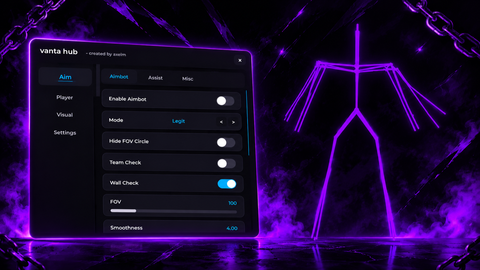
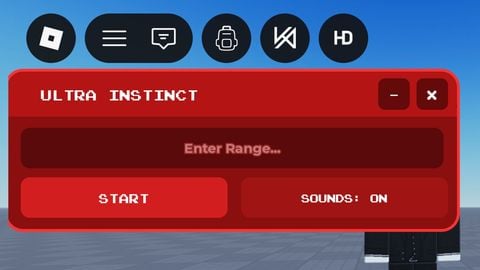
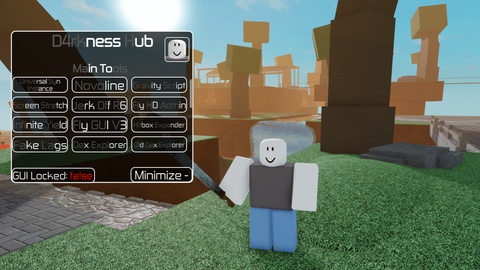
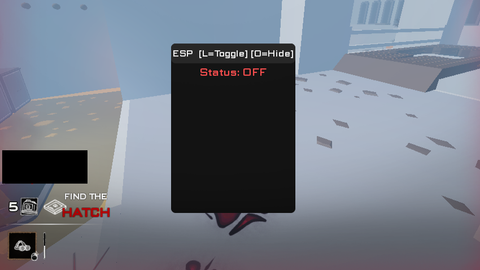
GUI
Doesn't work on XenoMarked by the uploader

KibidiFirst script
14 hours ago
Reviewed by QueueMatttsPaid revieweron How review works
Does it work?
No reports yetNo reports yet. Tried it? Be the first to say.
Doesn't work on Xeno. The uploader marked it.
Also noticed:
Description
GUI fly esp noclip
-- Roblox Studio LocalScript
-- Place inside StarterPlayerScripts

local Players = game:GetService("Players")
local RunService = game:GetService("RunService")
local UIS = game:GetService("UserInputService")

local player = Players.LocalPlayer

local gui = Instance.new("ScreenGui")
gui.Name = "GameControlGUI"
gui.ResetOnSpawn = false
gui.Parent = player:WaitForChild("PlayerGui")

local frame = Instance.new("Frame")
frame.Size = UDim2.fromOffset(220, 230)
frame.Position = UDim2.new(0, 30, 0.3, 0)
frame.BackgroundColor3 = Color3.fromRGB(25, 25, 35)
frame.Parent = gui

local function makeButton(name, y)
    local button = Instance.new("TextButton")
    button.Size = UDim2.new(0.85, 0, 0, 38)
    button.Position = UDim2.new(0.075, 0, 0, y)
    button.Text = name .. ": OFF"
    button.BackgroundColor3 = Color3.fromRGB(55, 55, 75)
    button.TextColor3 = Color3.new(1, 1, 1)
    button.Parent = frame
    return button
end

local flyBtn = makeButton("Fly", 15)
local espBtn = makeButton("ESP", 65)
local noclipBtn = makeButton("Noclip", 115)

local flying = false
local esp = false
local noclip = false

flyBtn.MouseButton1Click:Connect(function()
Comments
0Log in to join the conversation. Login
No comments yet. Be the first!