
13.0k Views
4.1k Executions

Does it work?
No reports yetNo reports yet. Tried it? Be the first to say.
Also noticed:
Description
Nothing much, Self-explanatory (makes the game look potato but increase your FPS) Results can give upto 30 fps
Updates
Script edited: Create script
local decalsyeeted = true -- Leaving this on makes games look shitty but the fps goes up by at least 30.
local g = game
local w = g.Workspace
local l = g.Lighting
local t = w.Terrain
t.WaterWaveSize = 0
t.WaterWaveSpeed = 0
t.WaterReflectance = 0
t.WaterTransparency = 0
l.GlobalShadows = false
l.FogEnd = 9e9
l.Brightness = 0
settings().Rendering.QualityLevel = "Level01"
for i, v in pairs(g:GetDescendants()) do
    if v:IsA("Part") or v:IsA("Union") or v:IsA("CornerWedgePart") or v:IsA("TrussPart") then
        v.Material = "Plastic"
        v.Reflectance = 0
    elseif v:IsA("Decal") or v:IsA("Texture") and decalsyeeted then
        v.Transparency = 1
    elseif v:IsA("ParticleEmitter") or v:IsA("Trail") then
        v.Lifetime = NumberRange.new(0)
    elseif v:IsA("Explosion") then
        v.BlastPressure = 1
        v.BlastRadius = 1
    elseif v:IsA("Fire") or v:IsA("SpotLight") or v:IsA("Smoke") then
        v.Enabled = false
    elseif v:IsA("MeshPart") then
        v.Material = "Plastic"
        v.Reflectance = 0
        v.TextureID = 10385902758728957
    end
end
for i, e in pairs(l:GetChildren()) do
    if e:IsA("BlurEffect") or e:IsA("SunRaysEffect") or e:IsA("ColorCorrectionEffect") or e:IsA("BloomEffect") or e:IsA("DepthOfFieldEffect") then
        e.Enabled = false
    end
end



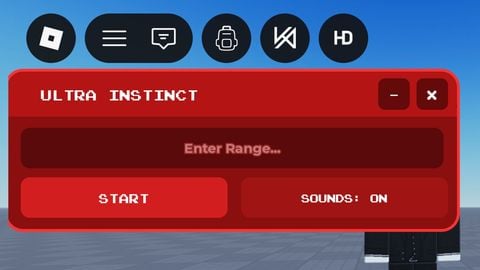
yep
repost LMFAO
cool