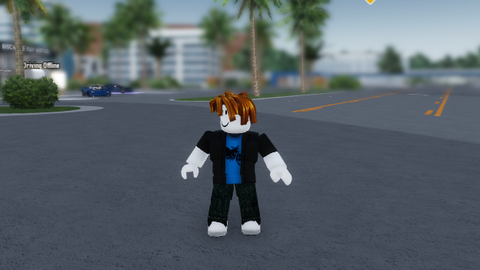
790 Views
650 Executions
iluminacion V4
Universal Script 📌
Cleooo100K executions
10 months ago
Please login to perform these actions:Does it work?
No reports yetNo reports yet. Tried it? Be the first to say.
Also noticed:
Description
este script es para mejorar o cambiar algunos aspectos visuales en los juegos en pc se presiona la tecla ctrl derecha y en móviles el botón de menú
Updates
Script edited: Update script
Script edited: Update script
Script edited: Update script
Script edited: Update script
-- LightingMenu.lua

-- Versión mejorada: Nombres específicos, entrada manual de números, animaciones Windows 11

-- CON BOTONES DE REINICIO INDIVIDUALES MEJORADOS

local Lighting = game:GetService("Lighting")

local UserInputService = game:GetService("UserInputService")

local RunService = game:GetService("RunService")

local Players = game:GetService("Players")

local Workspace = game:GetService("Workspace")

local StarterGui = game:GetService("StarterGui")

local TweenService = game:GetService("TweenService")

local LOCAL_PLAYER = Players.LocalPlayer

-----------------------------------------------------

-- Configuración inicial

-----------------------------------------------------

local LightingConfig = {
    Brightness = 0.8,
    ExposureCompensation = 0.5,
    ShadowSoftness = 1.2,
    EnvironmentDiffuseScale = 0.6,
    EnvironmentSpecularScale = 1.1,
    ClockTime = 14,
    FogStart = 10000,
    FogEnd = 10000,
    GlobalShadows = true,
Comments
0Log in to join the conversation. Login
No comments yet. Be the first!