
4.3k Views
16 Executions

Does it work?
No reports yetNo reports yet. Tried it? Be the first to say.
Also noticed:
Description
ye
local g00by = Instance.new("ScreenGui")

local Frame = Instance.new("Frame")

local ImageLabel = Instance.new("ImageLabel")

local TextButton = Instance.new("TextButton")

local TextButton_2 = Instance.new("TextButton")

local TextButton_3 = Instance.new("TextButton")

local TextLabel = Instance.new("TextLabel")

local TextButton_4 = Instance.new("TextButton")

--Properties:

g00by.Name = "g00by"

g00by.Parent = game.Players.LocalPlayer.PlayerGui

Frame.Parent = g00by

Frame.BackgroundColor3 = Color3.fromRGB(255, 255, 255)

Frame.Position = UDim2.new(0.0818181857, 0, 0.163987145, 0)

Frame.Size = UDim2.new(0, 197, 0, 386)

ImageLabel.Parent = Frame

ImageLabel.BackgroundColor3 = Color3.fromRGB(255, 255, 255)

ImageLabel.Position = UDim2.new(-0.010240728, 0, -0.00202420354, 0)

ImageLabel.Size = UDim2.new(0, 197, 0, 386)

ImageLabel.Image = "http://www.roblox.com/asset/?id=119046151177843"


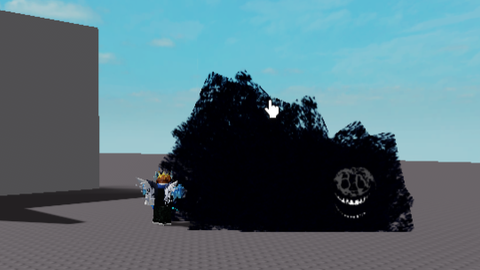
I like this script it is so cool
yes
noire is so cool