1.5k Views
18 Executions
mulpan gui new by 4x2x9x4x0
Universal Script 📌
4x2x9x4x010 followers
1 year ago
Please login to perform these actions:Does it work?
No reports yetNo reports yet. Tried it? Be the first to say.
Also noticed:
Description
[[look at the channel mulpan]] [[https://scriptblox.com/u/mulpanhub]] i did it for i make this
-- Gui to Lua
-- Version: 3.2

-- Instances:

local ScreenGui = Instance.new("ScreenGui")
local Frame = Instance.new("Frame")
local TextLabel = Instance.new("TextLabel")
local ImageButton = Instance.new("ImageButton")
local TextButton = Instance.new("TextButton")
local TextButton_2 = Instance.new("TextButton")
local TextButton_3 = Instance.new("TextButton")
local TextButton_4 = Instance.new("TextButton")
local TextButton_5 = Instance.new("TextButton")
local TextButton_6 = Instance.new("TextButton")
local TextButton_7 = Instance.new("TextButton")
local TextButton_8 = Instance.new("TextButton")
local TextButton_9 = Instance.new("TextButton")
local TextButton_10 = Instance.new("TextButton")
local TextButton_11 = Instance.new("TextButton")
local TextButton_12 = Instance.new("TextButton")
local TextButton_13 = Instance.new("TextButton")
local TextButton_14 = Instance.new("TextButton")
local TextButton_15 = Instance.new("TextButton")

--Properties:

ScreenGui.Parent = game.Players.LocalPlayer:WaitForChild("PlayerGui")
ScreenGui.ZIndexBehavior = Enum.ZIndexBehavior.Sibling

Frame.Parent = ScreenGui
Frame.BackgroundColor3 = Color3.fromRGB(142, 255, 140)
Frame.BorderColor3 = Color3.fromRGB(0, 0, 0)
Frame.BorderSizePixel = 5
Frame.Position = UDim2.new(0.0608308613, 0, 0.140808344, 0)
Frame.Size = UDim2.new(0, 440, 0, 334)

TextLabel.Parent = Frame
TextLabel.BackgroundColor3 = Color3.fromRGB(142, 255, 140)
TextLabel.BorderColor3 = Color3.fromRGB(0, 0, 0)


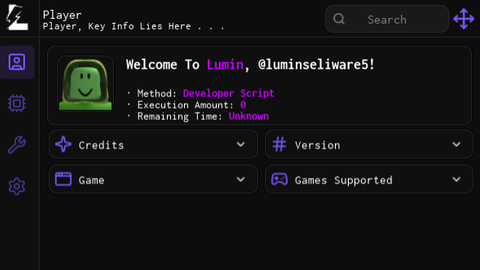
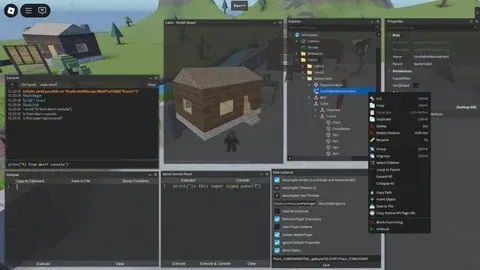


@memez i gonna make sure you a gui >:)!
can you make me a gui? if yes this is my decal id's 97525377764195. 124676532633586.
thank you!