
579 Views
246 Executions
Does it work?
No reports yetNo reports yet. Tried it? Be the first to say.
Also noticed:
Description
basically you can remake the "print" in the script to whatever github code you want or you can customize the whole thing :D - - - improvements are still on the way go to my profile maybe i already did another one improved one. - - - huge update on this rn
local ScreenGui = Instance.new("ScreenGui")
ScreenGui.Parent = game.CoreGui

-- === MAIN FRAME ===
local Frame = Instance.new("Frame")
Frame.Parent = ScreenGui
Frame.BackgroundColor3 = Color3.fromRGB(30, 30, 30)
Frame.Size = UDim2.new(0, 300, 0, 400)
Frame.Position = UDim2.new(0.5, -150, 0.5, -200)
Frame.Active = true
Frame.Draggable = true
Frame.Visible = false

Instance.new("UICorner", Frame)

local MenuStroke = Instance.new("UIStroke", Frame)
MenuStroke.Thickness = 4

-- === TITLE ===
local Title = Instance.new("TextLabel")
Title.Parent = Frame
Title.Size = UDim2.new(1, 0, 0, 40)
Title.BackgroundColor3 = Color3.fromRGB(45, 45, 45)
Title.Text = "Brookhaven GUI"
Title.TextColor3 = Color3.new(1,1,1)
Title.TextScaled = true

-- === SCROLLING FRAME ===
local Scroll = Instance.new("ScrollingFrame")
Scroll.Parent = Frame
Scroll.Size = UDim2.new(1, -10, 1, -50)
Scroll.Position = UDim2.new(0, 5, 0, 45)
Scroll.BackgroundTransparency = 1
Scroll.ScrollBarThickness = 6
Scroll.AutomaticCanvasSize = Enum.AutomaticSize.Y

-- Layout (AUTO STACK BUTTONS)
local Layout = Instance.new("UIListLayout")
Layout.Parent = Scroll
Layout.Padding = UDim.new(0, 8)
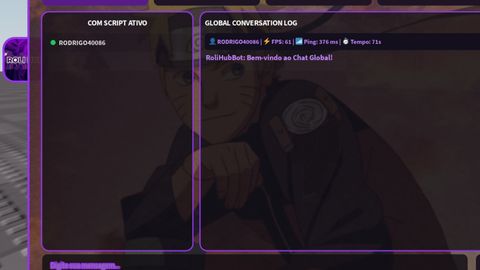

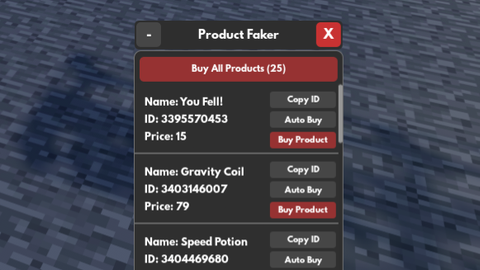
i will put famous keyless good scripts in here.. :D