
84.6k Views
52.3k Executions
coolkid gui
10K executions
Universal Script 📌
sethmorris121310K executions
2 years ago
Please login to perform these actions:Does it work?
No reports yetNo reports yet. Tried it? Be the first to say.
Also noticed:
Description
somthing lol
Updates
Script edited: Create script
blak = Color3.new(0,0,0)
rede = Color3.new(255/255,0/255,0/255)
tef = "SourceSans"
whit = Color3.new(255/255,255/255,255/255)
local cka = Instance.new("ScreenGui")
	cka.Parent = game.Players.LocalPlayer.PlayerGui
	cka.Name = "culgui"
local frame = Instance.new("Frame")
	frame.Parent = cka
	frame.BackgroundColor3 = blak
	frame.BorderColor3 = rede
	frame.BorderSizePixel = 3
	frame.Name = "Frame"
	frame.Position = UDim2.new(0,3,0.3,0)
	frame.Size = UDim2.new(0,300,0,400)
local cope = Instance.new("TextButton")
	cope.Parent = cka
	cope.Active = true
	cope.AutoButtonColor = true
	cope.BackgroundColor3 = blak
	cope.BorderColor3 = rede
	cope.BorderSizePixel = 3
	cope.Name = "Close/Open"
	cope.Position = UDim2.new(0,3,0.3,380)
	cope.Selectable = true
	cope.Size = UDim2.new(0,300,0,20)
	cope.ZIndex = 3
	cope.Font = "SourceSans"
	cope.FontSize = "Size18"
	cope.Text = "Close"
	cope.TextColor3 = Color3.new(255,255,255)
	cope.TextXAlignment = "Center"
	cope.TextYAlignment = "Center"
	cope.MouseButton1Down:connect(function()
		if cope.Text == "Close" then
		frame.Visible = false
		cope.Text = "Open" else
		frame.Visible = true
		cope.Text = "Close"
		end
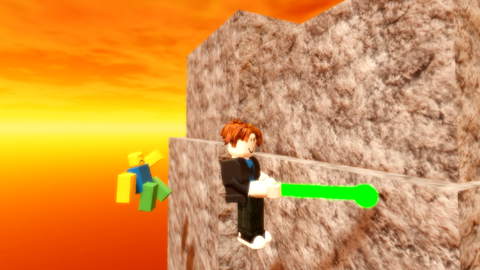

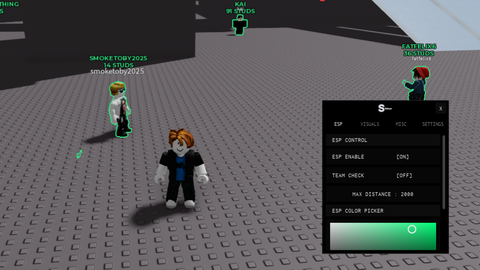


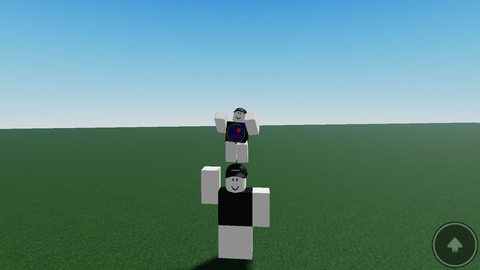
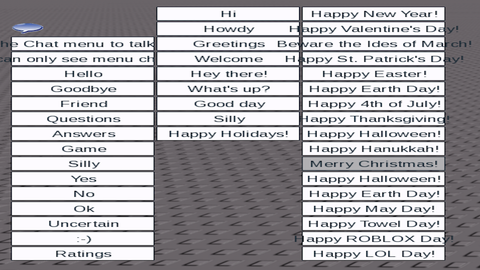
pretty sure this is just client
to add it get an executor the connect it to roblox then type the code and activate it ingame
THIS DOESNT WORK
its just text how do i add it to roblox
idk
Is it a virus?