8.5k Views
55 Executions

Does it work?
No reports yetNo reports yet. Tried it? Be the first to say.
Also noticed:
Description
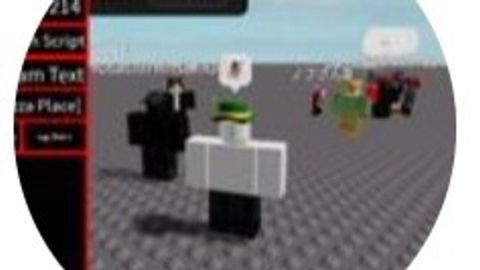
This script was originally a n0taplayer script, but it was deleted, so I'm uploading it here. Most of the functions are not available. The only thing that can be used is all fling.
--[[
	WARNING: Heads up! This script has not been verified by ScriptBlox. Use at your own risk!
]]
local gui = Instance.new("ScreenGui", game.CoreGui)


local main = Instance.new("Frame")
main.Size = UDim2.new(0.33, 0, 0.7, 0)
main.Position = UDim2.new(0.01, 0, 0.2, 0)
main.BackgroundColor3 = Color3.new(0, 0, 0)
main.BorderColor3 = Color3.new(1, 0, 0)
main.BorderSizePixel = 3
main.Active = true
main.BackgroundTransparency = 0
main.Draggable = false
main.Parent = gui


local l = Instance.new("TextLabel")
l.Size = UDim2.new(0.33, 0, 0.08, 0)
l.Position = UDim2.new(0.01, 0, 0.11, 0)
l.BackgroundColor3 = Color3.new(0, 0, 0)
l.BorderColor3 = Color3.new(1, 0, 0)
l.BorderSizePixel = 3
l.Text = "c00lgui Cryptic by NotaPlayer214"
l.BackgroundTransparency = 0
l.TextColor3 = Color3.new(255, 255, 255)
l.Font = Enum.Font.SourceSans
l.Parent = gui
l.TextScaled = true

local bt1 = Instance.new("TextButton")
bt1.Size = UDim2.new(0.34, 0, 0.1, 0)
bt1.Position = UDim2.new(0.00, 0, 0.0, 0)
bt1.BackgroundColor3 = Color3.new(0, 0, 0)
bt1.BorderColor3 = Color3.new(1, 0, 0)
bt1.BorderSizePixel = 3
bt1.Text = "Floating Pad"


don't work
*