
2.4k Views
6 Executions
ZEPTUNIAN V EXECUTOR
Universal Script 📌
ysabellasarmiento16First script
1 year ago
Please login to perform these actions:Does it work?
No reports yetNo reports yet. Tried it? Be the first to say.
Also noticed:
Description
Hey this is my first executor enjoy i put alot of works to do with it it has no draggaable ui thats the problem but the ui is small not that small
-- ZEPTUNIAN V EXE UI
local ScreenGui = Instance.new("ScreenGui")
local Frame = Instance.new("Frame")
local Title = Instance.new("TextLabel")
local ScriptBox = Instance.new("TextBox")
local ExecuteButton = Instance.new("TextButton")
local ClearButton = Instance.new("TextButton")

-- Properties
ScreenGui.Parent = game.CoreGui

Frame.Parent = ScreenGui
Frame.BackgroundColor3 = Color3.fromRGB(255, 255, 255)
Frame.Size = UDim2.new(0, 300, 0, 200)
Frame.Position = UDim2.new(0.5, -150, 0.5, -100)

Title.Parent = Frame
Title.BackgroundColor3 = Color3.fromRGB(0, 0, 0)
Title.Size = UDim2.new(1, 0, 0, 50)
Title.Text = "ZEPTUNIAN V EXE"
Title.TextColor3 = Color3.fromRGB(255, 255, 255)
Title.TextScaled = true

ScriptBox.Parent = Frame
ScriptBox.BackgroundColor3 = Color3.fromRGB(200, 200, 200)
ScriptBox.Size = UDim2.new(1, -20, 0, 100)
ScriptBox.Position = UDim2.new(0, 10, 0, 60)
ScriptBox.PlaceholderText = "Enter your script here..."

ExecuteButton.Parent = Frame
ExecuteButton.BackgroundColor3 = Color3.fromRGB(0, 255, 0)
ExecuteButton.Size = UDim2.new(0, 100, 0, 30)
ExecuteButton.Position = UDim2.new(0, 10, 0, 170)
ExecuteButton.Text = "Execute"

ClearButton.Parent = Frame
ClearButton.BackgroundColor3 = Color3.fromRGB(255, 0, 0)
ClearButton.Size = UDim2.new(0, 100, 0, 30)
ClearButton.Position = UDim2.new(0, 120, 0, 170)
ClearButton.Text = "Clear"
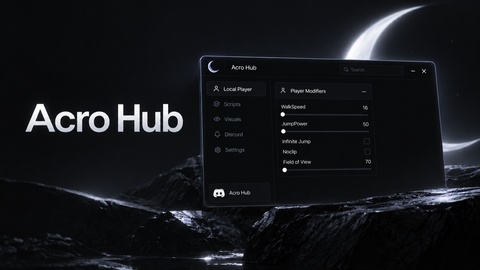

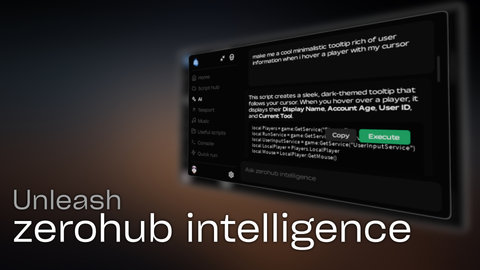





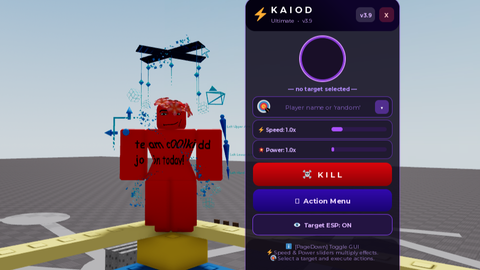
This is CodeX
But nice executor tho
And the script u put is executed
to use it you'll need a script and tap execute
like i dont undertsand how to inject it
how do i use it