1.3k Views
65 Executions
Simulation Radius Change GUI
Universal Script 📌
FNFCharterss10K executions
1 year ago
Please login to perform these actions:Does it work?
No reports yetNo reports yet. Tried it? Be the first to say.
Also noticed:
Description
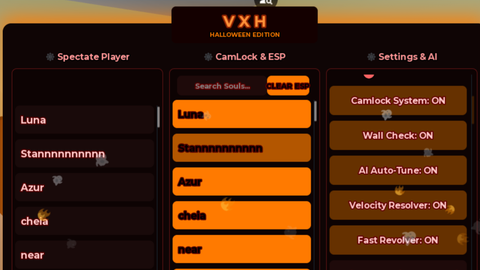
You can tweak your SimulationRadius by sliding the slider to whatever you want.
local Players = game:GetService("Players")
local UserInputService = game:GetService("UserInputService")
local TweenService = game:GetService("TweenService")
local RunService = game:GetService("RunService")

-- Get local player
local player = Players.LocalPlayer
local gui = Instance.new("ScreenGui")
gui.Name = "SimulationRadiusGUI"
gui.ZIndexBehavior = Enum.ZIndexBehavior.Sibling
gui.Parent = player:WaitForChild("PlayerGui")

-- Main frame
local frame = Instance.new("Frame")
frame.Size = UDim2.new(0, 320, 0, 180)
frame.Position = UDim2.new(0.5, -160, 0.5, -90)
frame.AnchorPoint = Vector2.new(0.5, 0.5)
frame.BackgroundColor3 = Color3.fromRGB(45, 45, 45)
frame.BorderSizePixel = 0
frame.ClipsDescendants = true
frame.Parent = gui

-- Corner rounding
local corner = Instance.new("UICorner")
corner.CornerRadius = UDim.new(0, 8)
corner.Parent = frame

-- Drop shadow
local shadow = Instance.new("ImageLabel")
shadow.Image = "rbxassetid://5554236805"
shadow.ScaleType = Enum.ScaleType.Slice
shadow.SliceCenter = Rect.new(23, 23, 277, 277)
shadow.Size = UDim2.new(1, 30, 1, 30)
shadow.Position = UDim2.new(0, -15, 0, -15)
shadow.BackgroundTransparency = 1
shadow.ZIndex = -1
shadow.Parent = frame

-- Title bar (for dragging)
local titleBar = Instance.new("Frame")
Comments
0Log in to join the conversation. Login
No comments yet. Be the first!