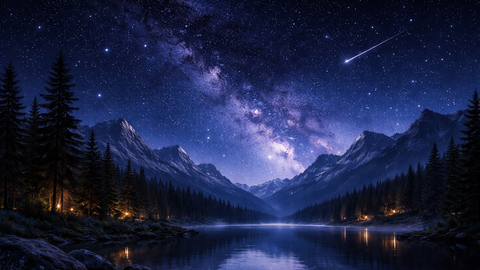
Shader RTX
Universal Script 📌
Does it work?
No reports yetNo reports yet. Tried it? Be the first to say.
Description
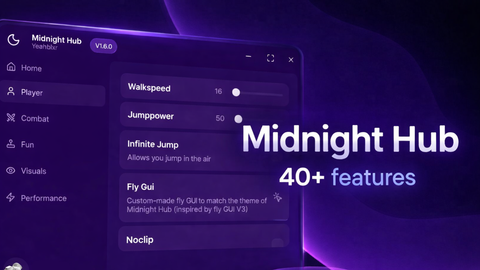
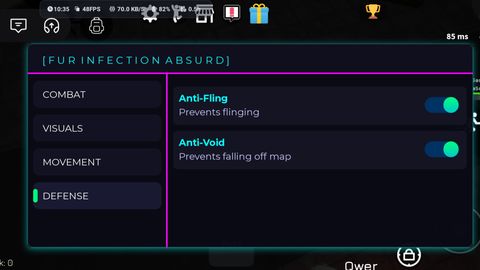
🌞🌙 Shader UI – Feature Overview 🎮 Visual Modes Day Sun Mode Bright natural daylight Clear sky lighting Best visibility for gameplay Sunset Mode Warm orange / red tones Soft shadows Cinematic evening atmosphere Midnight Mode Dark blue night lighting Moon-style ambient glow Perfect for night maps ✨ Shader Effects (Toggleable) Bloom Adds soft glow to lights Makes neon and lamps pop Adjustable via quality system Atmosphere RTX-style fog & depth Adds realism without heavy FPS loss Color-balanced for night & sunset Sun Rays Light beams through the sky Subtle cinematic effect Disabled automatically on low quality 🎚️ Quality System (FPS Optimized) Low Quality Maximum FPS Heavy effects disabled Best for low-end phones & devices Medium Quality (Default) Balanced visuals & performance Smooth gameplay Recommended for most users High Quality Best visuals Stronger bloom & fog Cinematic depth-of-field enabled 🖥️ User Interface Draggable Main UI Move anywhere on screen Touch & mouse friendly 300x300 Compact Design Clean layout No screen clutter Open / Hide Button Quick access Saves screen space Toggle Buttons Each shader can be turned ON or OFF No forced effects ⚡ Performance & Safety Client-sided only No loops / no FPS spikes Mobile safe Low memory usage Instant apply / instant disable ⭐ Best For Visual enhancement Cinematic gameplay Low-end & high-end devices Day & night maps Smooth FPS experience
-- FULL Shader System with Quality Slider
-- Day / Sunset / Midnight | Toggleable | FPS Optimized | Draggable UI

local Players = game:GetService("Players")
local Lighting = game:GetService("Lighting")
local UserInputService = game:GetService("UserInputService")
local lp = Players.LocalPlayer

-- ===== CLEAR OLD EFFECTS =====
for _,v in ipairs(Lighting:GetChildren()) do
	if v:IsA("PostEffect") or v:IsA("Atmosphere") then
		v:Destroy()
	end
end

-- ===== EFFECTS =====
local Atmosphere = Instance.new("Atmosphere", Lighting)
local Bloom = Instance.new("BloomEffect", Lighting)
local ColorCorrection = Instance.new("ColorCorrectionEffect", Lighting)
local SunRays = Instance.new("SunRaysEffect", Lighting)
local DoF = Instance.new("DepthOfFieldEffect", Lighting)

Atmosphere.Enabled = false
Bloom.Enabled = false
ColorCorrection.Enabled = false
SunRays.Enabled = false
DoF.Enabled = false

-- ===== QUALITY SETTINGS =====
local function SetQuality(mode)
	if mode == "Low" then
		Bloom.Enabled = false
		SunRays.Enabled = false
		DoF.Enabled = false
		Atmosphere.Density = 0.15

	elseif mode == "Medium" then
		Bloom.Intensity = 0.8
		Bloom.Size = 32
		SunRays.Intensity = 0.03