3.2k Views
218 Executions
See player script
Universal Script 📌
5x5x5x5Published 50
2 years ago
Please login to perform these actions:Does it work?
No reports yetNo reports yet. Tried it? Be the first to say.
Also noticed:
Description
5x5x5x50
--[[
	WARNING: Heads up! This script has not been verified by ScriptBlox. Use at your own risk!
]]
local ScreenGui = Instance.new("ScreenGui")
local main = Instance.new("Frame")
local label = Instance.new("TextLabel")
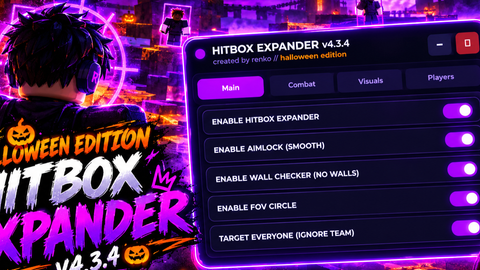
local Hitbox = Instance.new("TextButton")
local SkyButton = Instance.new("TextButton")

ScreenGui.Parent = game.CoreGui

main.Name = "main"
main.Parent = ScreenGui
main.BackgroundColor3 = Color3.fromRGB(255, 0, 0)
main.Position = UDim2.new(0.40427351, 0, 0.34591195, 0)
main.Size = UDim2.new(0, 115, 0, 100) -- Increased height to accommodate the new button
main.Active = true
main.Draggable = true

label.Name = "label"
label.Parent = main
label.BackgroundColor3 = Color3.fromRGB(139,0,0)
label.Size = UDim2.new(0, 114, 0, 20)
label.Font = Enum.Font.SourceSans
label.Text = "5x5x5x50 script"
label.TextColor3 = Color3.fromRGB(0, 0, 0)
label.TextScaled = true
label.TextSize = 4.000
label.TextWrapped = true

Hitbox.Name = "Hit box"
Hitbox.Parent = main
Hitbox.BackgroundColor3 = Color3.fromRGB(0, 0, 255)
Hitbox.Position = UDim2.new(0.114285722, 0, 0.372448981, 0)
Hitbox.Size = UDim2.new(0, 90, 0, 40)
Hitbox.Font = Enum.Font.SourceSans
Hitbox.Text = "5x5x5x50"
Hitbox.TextColor3 = Color3.fromRGB(0, 0, 0)
Hitbox.TextSize = 15.000
Hitbox.MouseButton1Down:Connect(function()
Comments
0Log in to join the conversation. Login
No comments yet. Be the first!