655 Views
231 Executions
Screen zoom
Universal Script 📌
Helloboy10K executions
11 months ago
Please login to perform these actions:Does it work?
No reports yetNo reports yet. Tried it? Be the first to say.
Also noticed:
Description
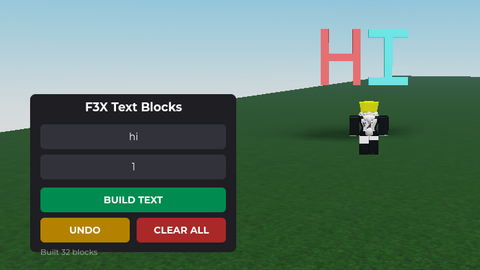
You click a button to zoom in and out boring yes but I like it since it's made by Gemini but I'm teaching this gemini chat to be smarter soon I'll be powerful lol
-- // CINEMATIC SUITE (MOBILE & PC COMPATIBLE) \\ --
-- Features: Dynamic FOV, Smooth Breathing, Mobile Toggle Button

local Players = game:GetService("Players")
local RunService = game:GetService("RunService")
local TweenService = game:GetService("TweenService")
local UserInputService = game:GetService("UserInputService")

local player = Players.LocalPlayer
local camera = workspace.CurrentCamera

-- Lesson Applied: Ensure character and humanoid exist before running logic
local character = player.Character or player.CharacterAdded:Wait()
local humanoid = character:WaitForChild("Humanoid")

-- Re-find humanoid if player resets
player.CharacterAdded:Connect(function(newChar)
	character = newChar
	humanoid = newChar:WaitForChild("Humanoid")
end)

local Settings = {
	IsActive = false,
	DefaultFOV = 70,
	CinematicFOV = 40,
	Smoothness = 0.1,
	ToggleKey = Enum.KeyCode.H
}

-- // UI CONSTRUCTION \\ --
local screen = Instance.new("ScreenGui")
screen.Name = "CineMobileGui"
screen.ResetOnSpawn = false
screen.Parent = player:WaitForChild("PlayerGui")

local toggleBtn = Instance.new("TextButton")
toggleBtn.Name = "Toggle"
toggleBtn.Size = UDim2.fromOffset(60, 60)
toggleBtn.Position = UDim2.new(1, -70, 0.5, -30) -- Right side of screen
toggleBtn.BackgroundColor3 = Color3.fromRGB(30, 30, 30)
Comments
0Log in to join the conversation. Login
No comments yet. Be the first!