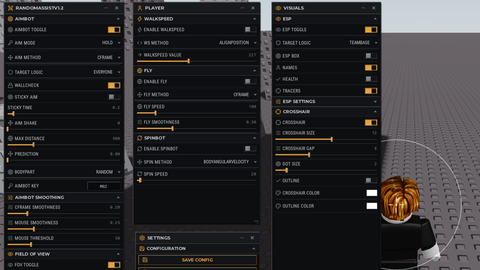
1.3k Views
26.6k Executions
SG macrobest
10K executions
Universal Script 📌
Sam_on_tiktok100K executions
3 months ago
Please login to perform these actions:Does it work?
No reports yetNo reports yet. Tried it? Be the first to say.
Also noticed:
Description
Macro that's all Figure it out yourself
Updates
Script edited: Update script
local Players = game:GetService("Players")
local RunService = game:GetService("RunService")
local TweenService = game:GetService("TweenService")
local UserInputService = game:GetService("UserInputService")

local LocalPlayer = Players.LocalPlayer
local cam = workspace.CurrentCamera

-- Base Settings
local power = 90
local moveBoost = 150
local idleBoost = 100

_G.FlickEnabled = false
_G.Flick360Hold = false
_G.Flick360NoBoostHold = false
_G.ButtonsLocked = false -- Global lock toggle

-- Touch & Mouse Drag Handler with Lock Check
local function makeDraggable(guiObject)
    local dragging = false
    local dragStart = Vector3.zero
    local startPos = UDim2.new()

    guiObject.InputBegan:Connect(function(input)
        if _G.ButtonsLocked then return end -- Block dragging if locked
        if input.UserInputType == Enum.UserInputType.MouseButton1 or input.UserInputType == Enum.UserInputType.Touch then
            dragging = true
            dragStart = input.Position
            startPos = guiObject.Position
        end
    end)

    UserInputService.InputChanged:Connect(function(input)
        if not _G.ButtonsLocked and dragging and (input.UserInputType == Enum.UserInputType.MouseMovement or input.UserInputType == Enum.UserInputType.Touch) then
            local delta = input.Position - dragStart
            guiObject.Position = UDim2.new(
                startPos.X.Scale,
                startPos.X.Offset + delta.X,
                startPos.Y.Scale,
Comments
0Log in to join the conversation. Login
No comments yet. Be the first!