
4.4k Views
72 Executions
Require script gui
Universal Script 📌
TrollismemangomamgoPublished 5
1 year ago
Please login to perform these actions:Does it work?
No reports yetNo reports yet. Tried it? Be the first to say.
Also noticed:
Description
Works for require ones
local gui = Instance.new("ScreenGui")
local frame = Instance.new("Frame")
local title = Instance.new("TextLabel")
local input = Instance.new("TextBox")
local run = Instance.new("TextButton")
local theme = Instance.new("TextButton")
local close = Instance.new("TextButton")

-- Parent GUI to CoreGui or PlayerGui
pcall(function() gui.Parent = game:GetService("CoreGui") end)
if not gui.Parent then gui.Parent = game.Players.LocalPlayer:WaitForChild("PlayerGui") end

gui.Name = "RequireGUI"

-- Main Frame
frame.Name = "Main"
frame.Parent = gui
frame.BackgroundColor3 = Color3.fromRGB(30,30,30)
frame.Position = UDim2.new(0.3, 0, 0.3, 0)
frame.Size = UDim2.new(0, 300, 0, 170)
frame.Active = true
frame.Draggable = true

-- Title
title.Name = "Title"
title.Parent = frame
title.BackgroundTransparency = 1
title.Size = UDim2.new(1, 0, 0, 30)
title.Font = Enum.Font.SourceSansBold
title.Text = "🧪 Require GUI"
title.TextScaled = true
title.TextColor3 = Color3.fromRGB(255, 255, 255)

-- Input Box
input.Name = "ModuleID"
input.Parent = frame
input.Position = UDim2.new(0.05, 0, 0.35, 0)
input.Size = UDim2.new(0.9, 0, 0.25, 0)
input.Font = Enum.Font.SourceSans
input.Text = "Enter Module ID (e.g. 123456789)"


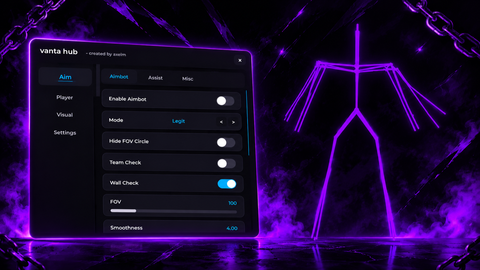
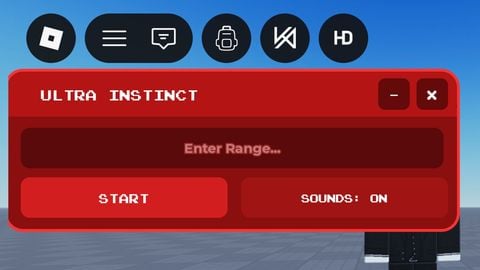
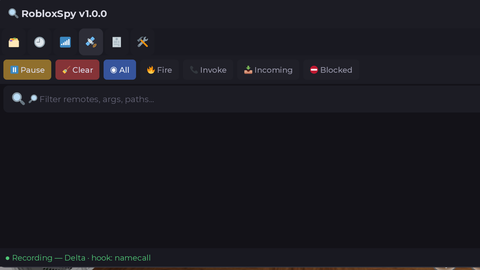

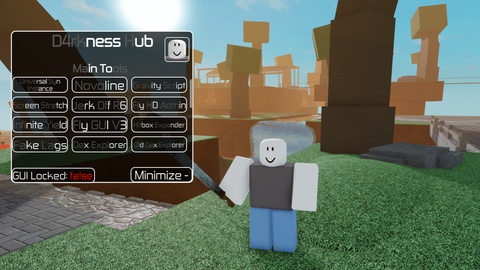
and do not work
ai lol
I think it will work in your game or like backdoor or server side games.
yo bro im not hating i just like testing random guis but it dose not work if you tested it in studio testing it dose not mean it will work in real games but good job on the looks of the buttons