25 Views
2 Executions
Platform
Universal Script 📌
3 days ago · Updated
Reviewed by QueueSherlockPaid revieweron How review works
Does it work?
No reports yetNo reports yet. Tried it? Be the first to say.
Also noticed:
Description
Add a platform under your feet
-- FOLLOW-ME FLOATING PLATFORM
-- For your own Roblox Studio game
-- Place in StarterPlayer > StarterPlayerScripts
-- Use a LocalScript
local Players = game:GetService("Players")
local RunService = game:GetService("RunService")
local player = Players.LocalPlayer
local speed = 5
local platform
local connection
local enabled = false
local gui = Instance.new("ScreenGui")
gui.Name = "FloatingPlatformGui"
gui.ResetOnSpawn = false
gui.Parent = player:WaitForChild("PlayerGui")
local button = Instance.new("TextButton")
button.Size = UDim2.new(0, 155, 0, 50)
button.Position = UDim2.new(1, -170, 0.5, -25)
button.BackgroundColor3 = Color3.fromRGB(0, 170, 255)
button.TextColor3 = Color3.new(1, 1, 1)
button.TextScaled = true
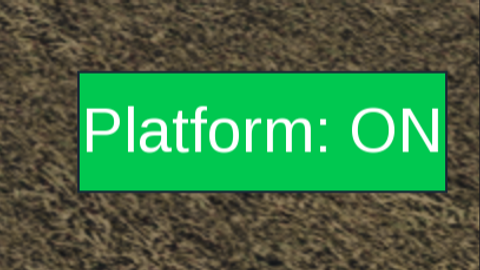
button.Text = "Platform: OFF"
button.Parent = gui
local function stopPlatform()
    enabled = false
    if connection then
        connection:Disconnect()
        connection = nil
    end
    if platform then
        platform:Destroy()
        platform = nil
    end
    button.Text = "Platform: OFF"
    button.BackgroundColor3 = Color3.fromRGB(0, 170, 255)
end
local function startPlatform()
    local character = player.Character
    local root = character and character:FindFirstChild("HumanoidRootPart")
    if not root then return end
Comments
0Log in to join the conversation. Login
No comments yet. Be the first!