764 Views
350 Executions
NOT FE Reality Bender GUI
Universal Script 📌
ddorredorePublished 10
7 months ago
Please login to perform these actions:Does it work?
No reports yetNo reports yet. Tried it? Be the first to say.
Also noticed:
Description
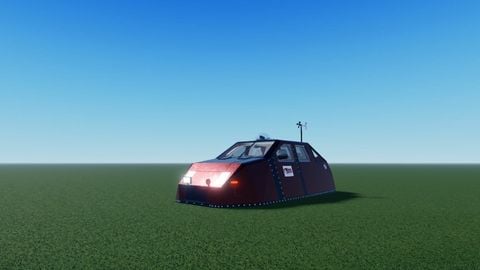
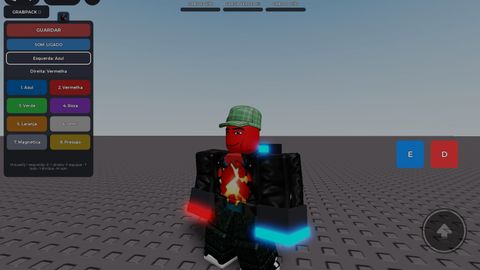
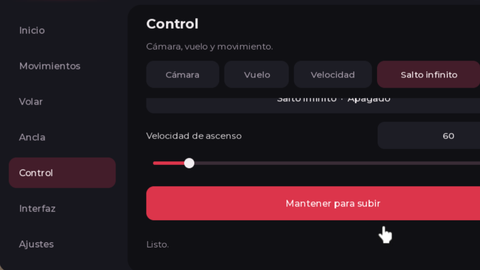
-- Reality Bender GUI -- Simple, mobile-friendly visual effect GUI -- Open source, made by Me -- Bend reality, activate chaos, or go full MAX CHAOS! -- Fully customizable: speed, strength, range, axis, and button names -- Reset anytime and restore original parts -- Drag GUI freely on screen
--// Reality Bender GUI
--// Put this LocalScript in StarterPlayerScripts or StarterGui
--// Local visual effect GUI

local Players = game:GetService("Players")
local RunService = game:GetService("RunService")
local UserInputService = game:GetService("UserInputService")

local player = Players.LocalPlayer
local rng = Random.new()

--========================
-- EDIT HERE
--========================
local guiTitle = "Reality Bender"
local mainButtonText = "BEND!"
local smallButtonText = "Open"

local bendSpeed = 4
local bendStrength = 0.25
local bendRange = 80
local defaultAxis = "Y" -- Y, X, Z
--========================

local axisList = {"Y", "X", "Z"}
local axisIndex = 1
for i, v in ipairs(axisList) do
	if v == defaultAxis then
		axisIndex = i
		break
	end
end

local bendOn = false
local chaosOn = false
local maxChaosOn = false
local bendToken = 0
local chaosToken = 0

local originalState = {} -- [part] = {CFrame=, Size=, Color=, Material=, Transparency=}
Comments
0Log in to join the conversation. Login
No comments yet. Be the first!