3.4k Views
30 Executions
Localqw6 Client Scripst by omer
Universal Script 📌
ScripstPublished 10
2 years ago
Please login to perform these actions:Does it work?
No reports yetNo reports yet. Tried it? Be the first to say.
Also noticed:
Description
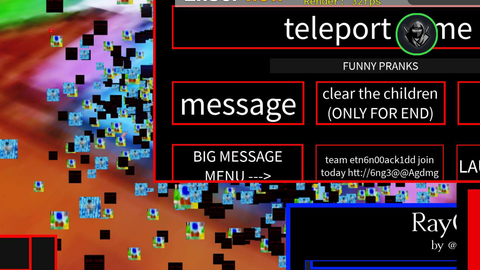
Scripst Client repcileton was written into the game!
local ScreenGui = Instance.new("ScreenGui")
local MainFrame = Instance.new("Frame")
local UICorner = Instance.new("UICorner")
local UIStroke = Instance.new("UIStroke")

ScreenGui.Parent = game.Players.LocalPlayer:WaitForChild("PlayerGui")
ScreenGui.ResetOnSpawn = false

MainFrame.Parent = ScreenGui
MainFrame.BackgroundColor3 = Color3.fromRGB(30, 30, 30)
MainFrame.Position = UDim2.new(0.2, 0, 0.2, 0)
MainFrame.Size = UDim2.new(0, 300, 0, 300)  -- Increased height to fit buttons
MainFrame.Active = true
MainFrame.Draggable = true
MainFrame.BackgroundTransparency = 0.2

UICorner.Parent = MainFrame
UICorner.CornerRadius = UDim.new(0, 15)

UIStroke.Parent = MainFrame
UIStroke.Thickness = 2
UIStroke.Color = Color3.fromRGB(255, 255, 255)

-- Açılış Animasyonu
MainFrame.Size = UDim2.new(0, 0, 0, 0)
MainFrame.Position = UDim2.new(0.4, 0, 0.4, 0)

game:GetService("TweenService"):Create(MainFrame, TweenInfo.new(0.5, Enum.EasingStyle.Quad, Enum.EasingDirection.Out), {
    Size = UDim2.new(0, 300, 0, 300),
    Position = UDim2.new(0.2, 0, 0.2, 0)
}):Play()

-- Button 1: MUSIC
local MusicButton = Instance.new("TextButton")
MusicButton.Parent = MainFrame
MusicButton.Size = UDim2.new(0, 250, 0, 40)
MusicButton.Position = UDim2.new(0, 25, 0, 50)  -- Adjusted for position
MusicButton.BackgroundColor3 = Color3.fromRGB(50, 50, 50)
MusicButton.Text = "MUSIC"
MusicButton.TextColor3 = Color3.fromRGB(255, 255, 255)
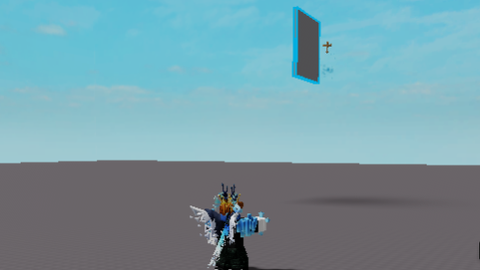



This is Fe?
not fe
good script bro. good job
Not fe