95 Views
58 Executions
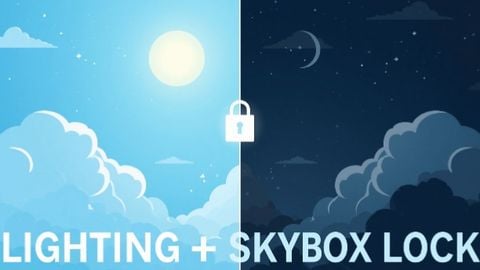
Lighting Lock Skybox Lock
Universal Script 📌
_JAIPublished 10
3 months ago
Please login to perform these actions:Does it work?
No reports yetNo reports yet. Tried it? Be the first to say.
Also noticed:
Description
Locks current lighting and skybox. Useful for games with different lighting per area. Best if locked on best lighting chosen. Script executed at first will lock. Re exec will unlock it, allow you to choose a time to execute and lock again.
if getgenv().__SA_LightingLock_Running then
	local existing = getgenv().__SA_LightingLock_Running
	existing.token = existing.token + 1
	local myToken = existing.token

	if existing.Conn then pcall(function() existing.Conn:Disconnect() end) end
	if existing.SkyConn then pcall(function() existing.SkyConn:Disconnect() end) end
	existing.Conn = nil
	existing.SkyConn = nil
	getgenv().__SA_LightingLock_Running = nil

	local ok, StarterGui = pcall(game.GetService, game, "StarterGui")
	if ok then
		pcall(function()
			StarterGui:SetCore("SendNotification", {
				Title = "Lighting Lock",
				Text = "Unlocked",
				Duration = 1
			})
		end)
	end
	return
end

local Lighting = game:GetService("Lighting")
local RunService = game:GetService("RunService")
local StarterGui = game:GetService("StarterGui")

local LOCK_PROPS = {
	"Ambient", "OutdoorAmbient", "Brightness", "ClockTime",
	"ColorShift_Bottom", "ColorShift_Top", "EnvironmentDiffuseScale",
	"EnvironmentSpecularScale", "ExposureCompensation", "FogColor",
	"FogEnd", "FogStart", "GeographicLatitude", "GlobalShadows",
	"ShadowSoftness", "Technology"
}

local function notify(text)
	pcall(function()
		StarterGui:SetCore("SendNotification", {
			Title = "Lighting Lock",
Comments
0Log in to join the conversation. Login
No comments yet. Be the first!