
1.3k Views
18 Executions
Kein version3
Universal Script 📌
RIP_UNKNOWNPublished 5
2 years ago
Please login to perform these actions:Does it work?
No reports yetNo reports yet. Tried it? Be the first to say.
Also noticed:
Description
HERES THE NEW KEINV2 BUT ITS UPDATED NOW IT HAVE CLEAR BUTTON NOW
--[[
	WARNING: Heads up! This script has not been verified by ScriptBlox. Use at your own risk!
]]
local Players = game:GetService("Players")
local ScreenGui = Instance.new("ScreenGui")
local Frame = Instance.new("Frame")
local Logo = Instance.new("ImageLabel")
local ExecuteButton = Instance.new("TextButton")
local ClearButton = Instance.new("TextButton") -- New Clear Button
local TextBox = Instance.new("TextBox")

-- Setting up the ScreenGui
ScreenGui.Parent = Players.LocalPlayer:WaitForChild("PlayerGui")

-- Configuring the Frame
Frame.Size = UDim2.new(0.5, 0, 0.5, 0)
Frame.Position = UDim2.new(0.25, 0, 0.25, 0)
Frame.BackgroundColor3 = Color3.fromRGB(45, 45, 45)
Frame.Active = true
Frame.Draggable = true
Frame.Parent = ScreenGui

-- Configuring the Logo
Logo.Size = UDim2.new(0, 100, 0, 100)
Logo.Position = UDim2.new(0.5, -50, 0, 0)
Logo.Image = "rbxassetid://YOUR_TUBERS93_LOGO_ID" -- Replace with actual logo ID
Logo.Parent = Frame

-- Configuring the Execute Button
ExecuteButton.Size = UDim2.new(0, 100, 0, 50)
ExecuteButton.Position = UDim2.new(0.5, -150, 0.8, 0) -- Positioning to the left
ExecuteButton.Text = "Execute"
ExecuteButton.BackgroundColor3 = Color3.fromRGB(0, 170, 0)
ExecuteButton.Parent = Frame

-- Configuring the Clear Button
ClearButton.Size = UDim2.new(0, 100, 0, 50) -- Size of the Clear Button
ClearButton.Position = UDim2.new(0.5, 50, 0.8, 0) -- Positioning to the right of Execute Button
ClearButton.Text = "Clear" -- Text for the Clear Button
ClearButton.BackgroundColor3 = Color3.fromRGB(170, 0, 0) -- Color for the Clear Button




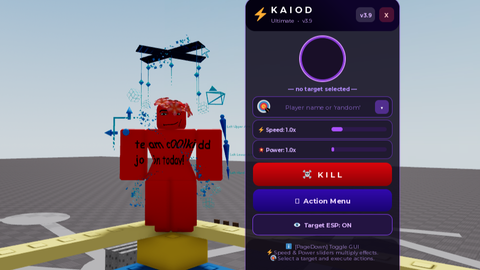


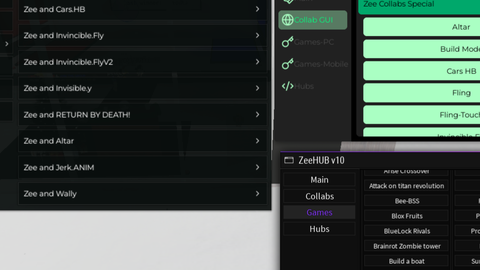

good script bro, keep it up
It's has new features now