6.3k Views
497 Executions
Increase player density
Universal Script 📌
CodedWithoutExecuterPublished 5
2 years ago
Please login to perform these actions:Does it work?
No reports yetNo reports yet. Tried it? Be the first to say.
Also noticed:
Description
Increases the players density to around 10 million assembly mass so you can move heavy parts
Updates
Script edited: Update script
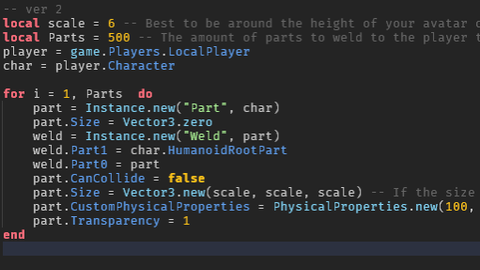
-- ver 2
local scale = 6 -- Best to be around the height of your avatar or smaller (if it doesnt work)
local Parts = 500 -- The amount of parts to weld to the player to make it more heavy (might lag with alot)
player = game.Players.LocalPlayer
char = player.Character

for i = 1, Parts  do
	part = Instance.new("Part", char)
	part.Size = Vector3.zero
	weld = Instance.new("Weld", part)
	weld.Part1 = char.HumanoidRootPart
	weld.Part0 = part
	part.CanCollide = false
	part.Size = Vector3.new(scale, scale, scale) -- If the size is too high on any axis the player will freeze serversidedly but not clientsidedly
	part.CustomPhysicalProperties = PhysicalProperties.new(100, 0, 0, 1, 10)
	part.Transparency = 1
end







and doesnt work
it does m*ive lag
hey bro! i like your script, I'm gonna remake it and add credits to you, sure?(just gonna add gui)
@bloxycola21 added a scale variable so you can lower it if it doesnt work (test the server sided freezing in roblox studio ig)
@aregdlemto it still freezes server sided meaning even if u try to move parts they barely move or dont move at all
dosent work for lumber tycon 2
if this doesnt work try to scale your avatar up as it works when i used a bigger avatar but it didnt and froze the player when i used a tiny avatar