
3.2k Views
50 Executions
I MISS THE QUIET UNIVERSAL SCRIPT
Universal Script 📌
1 year ago
Please login to perform these actions:Does it work?
No reports yetNo reports yet. Tried it? Be the first to say.
Also noticed:
Description
This script can be FE or CLIENTSIDED
local Players = game:GetService("Players")
local player = Players.LocalPlayer
local PlayerGui = player:WaitForChild("PlayerGui")

local mainScriptUrl = "https://pastebin.com/raw/QavWChCj"
local feReanimateUrl = "https://rawscripts.net/raw/Universal-Script-CurrentAngle-V2-Full-axis-reanimate-43351"

local scriptLoaded = false

local function loadMainScript()
	if scriptLoaded then return end
	scriptLoaded = true

	-- Wait for character, HumanoidRootPart and Head
	local char = player.Character or player.CharacterAdded:Wait()
	char:WaitForChild("Humanoid", 8)
	char:WaitForChild("Head", 8)

	-- Load external pastebin script
	local success, err = pcall(function()
		loadstring(game:HttpGet(mainScriptUrl))()
	end)
	if not success then
		warn("Failed to load main script:", err)
	end
end

local function showNotification()
	local gui = Instance.new("ScreenGui", PlayerGui)
	gui.Name = "NotificationFE"

	local label = Instance.new("TextLabel")
	label.Size = UDim2.new(0, 300, 0, 50)
	label.Position = UDim2.new(0.5, -150, 0.05, 0)
	label.BackgroundColor3 = Color3.fromRGB(20, 20, 20)
	label.TextColor3 = Color3.fromRGB(255, 255, 255)
	label.Text = "Only the animation is FE.\nIf you reset, you must execute again."
	label.TextWrapped = true
	label.Font = Enum.Font.SourceSansBold
	label.TextSize = 16
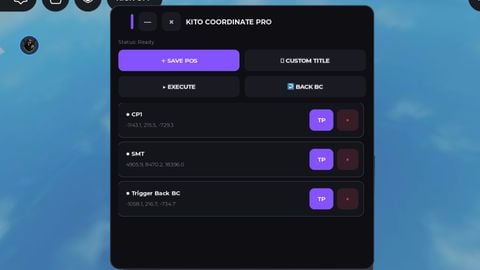

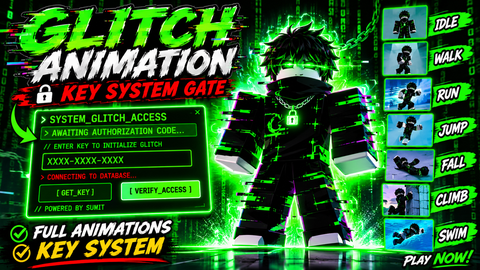
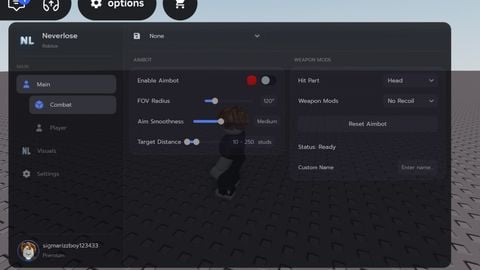
found a fix for this, you have to first run and activate the script (wait for the GUI to be visible and the script to load and run the animation) in https://www.roblox.com/games/71367569346838/Forsaken-Removed-emotes before running it in your preferred game like baseplate or something. how wild
The script doesn't work
ok
ok