730 Views
260 Executions
Highlights gui
Universal Script 📌
Helloboy10K executions
1 year ago
Please login to perform these actions:Does it work?
No reports yetNo reports yet. Tried it? Be the first to say.
Also noticed:
Description
Hello so it is made by chatgpt Since I'm not skilled enough to Make a script sorry :( But I only do this for fun and to Help new or old script users So hope you like the script if there Is any problems tell me -draggable -colour change from -green -blue -red -yellow -purple
--[[
  📘 Roblox Highlights GUI Script
  Place this LocalScript in StarterPlayer → StarterPlayerScripts
  Works on PC, Mobile, and Console
  Toggles a draggable GUI that highlights players.
--]]

-- Services
local Players = game:GetService("Players")
local RunService = game:GetService("RunService")
local UserInputService = game:GetService("UserInputService")

-- Player
local LocalPlayer = Players.LocalPlayer

-- Create ScreenGui
local screenGui = Instance.new("ScreenGui")
screenGui.Name = "HighlightsGUI"
screenGui.ResetOnSpawn = false
screenGui.IgnoreGuiInset = true
screenGui.Parent = LocalPlayer:WaitForChild("PlayerGui")

-- Main Frame
local mainFrame = Instance.new("Frame")
mainFrame.Size = UDim2.new(0.25, 0, 0.25, 0)
mainFrame.Position = UDim2.new(0.05, 0, 0.05, 0)
mainFrame.BackgroundColor3 = Color3.fromRGB(30, 30, 30)
mainFrame.BackgroundTransparency = 0.2
mainFrame.Active = true
mainFrame.Draggable = true
mainFrame.Visible = true
mainFrame.Parent = screenGui

-- UI scaling for all devices
local uiAspect = Instance.new("UIScale")
uiAspect.Parent = mainFrame
uiAspect.Scale = 1

RunService.RenderStepped:Connect(function()
	uiAspect.Scale = math.clamp(workspace.CurrentCamera.ViewportSize.Y / 800, 0.8, 1.5)


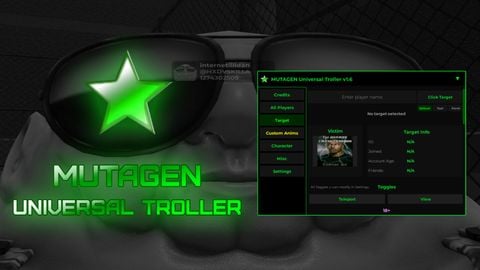
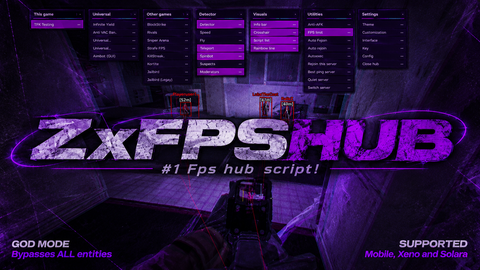


i love supporting small creators:D
Thank you so much xyclol for your kindness I will follow you ❤️
@Helloboy ty