370 Views
9 Executions
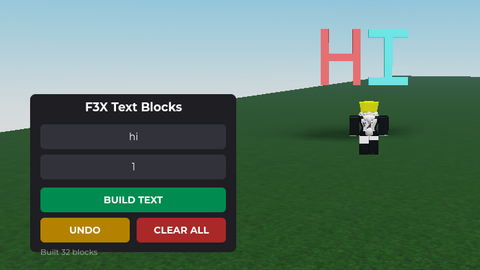
Gui for adding features to it
Universal Script 📌
Helloboy10K executions
1 year ago
Please login to perform these actions:Does it work?
No reports yetNo reports yet. Tried it? Be the first to say.
Also noticed:
Description
A simple gui that you can add your scripts to it with the code sorry for not posting in like forever I got logged out of this account and I was testing out other scripts and today I made as powerful one that I might post and yes this is made by Grok enjoy
local Players = game:GetService("Players")
local UserInputService = game:GetService("UserInputService")

local player = Players.LocalPlayer
local playerGui = player:WaitForChild("PlayerGui")

local screenGui = Instance.new("ScreenGui")
screenGui.Name = "TouchOptimizedGUI"
screenGui.ResetOnSpawn = false
screenGui.Parent = playerGui

-- ==================== DRAGGABLE FUNCTION (Mobile-Friendly) ====================
local function makeDraggable(frame, handle)
	handle = handle or frame
	local dragging = false
	local dragInput, dragStart, startPos

	local function updateInput(input)
		if dragging then
			local delta = input.Position - dragStart
			frame.Position = UDim2.new(
				startPos.X.Scale,
				startPos.X.Offset + delta.X,
				startPos.Y.Scale,
				startPos.Y.Offset + delta.Y
			)
		end
	end

	handle.InputBegan:Connect(function(input)
		if input.UserInputType == Enum.UserInputType.MouseButton1 or input.UserInputType == Enum.UserInputType.Touch then
			dragging = true
			dragStart = input.Position
			startPos = frame.Position

			input.Changed:Connect(function()
				if input.UserInputState == Enum.UserInputState.End then
					dragging = false
				end
Comments
0Log in to join the conversation. Login
No comments yet. Be the first!