
Does it work?
No reports yetNo reports yet. Tried it? Be the first to say.
Description
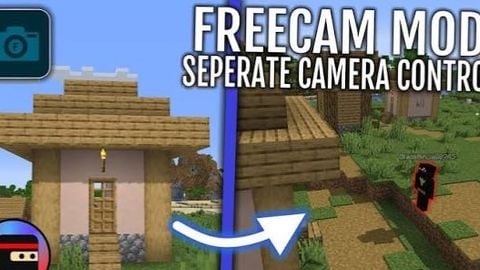
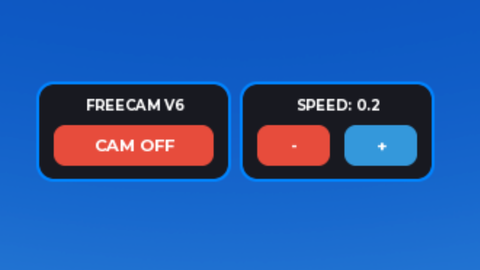
Feeecam ui made by official roblox and remaster by pnsdg how to use: Camera Positioning: WASD / UHJK / Thumbstick1 to move camera forward, left, backward, right MouseButton2 / Thumbstick2 to rotate camera (full 360 degree rotation in all axes) Q,E / Y,I / L2,R2 to to move camera up, down Z,C / L1,R1 to tilt camera left, right (double-tap Z,C,L1,R1 to reset to 0 degree tilt) Down,Up / DpadDown,DpadUp to adjust movement speed Left,Right / DpadLeft,DpadRight to adjust zoom speed , and . to adjust tilt speed DO NOT USE Keybind settngs it's really buggy MOBILE CONTROLS: Left thumbstick (bottom-left) - Move camera forward/back/strafe Right side touch & drag - Look around (rotate) - Works simultaneously with joystick Pinch to zoom on right side - Zoom in/out (pinch out = zoom in, pinch in = zoom out) 🔽 button - Fly down (LEFT side) 🔼 button - Fly up (RIGHT side) Arrow circle is for tilt camera left, right





This is cool but this is not GPT right?
@Styear it's roblox studio source code i have to rework