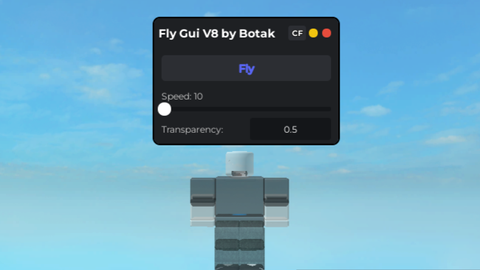
Fly Gui V8 by Botak

Does it work?
Early reports100% say it works · 1 report in the last 2 weeks
Description
Fly Gui V8 by Botak Features (V8): - Added Fly (Ofcourse) - Added CFrameFly / CFly (Script from IY) - Added NoClip when Normal Fly Activated (NoClip, Script from IY) - Added Fly Speed Slider - Added Transparency Textbox - Added Anti Multi Gui Loaded - Added Close Button - Added Minimize Button - Better Gui (Linux Ui) How to use: (Normal Fly) 1. Set Fly Speed to any number you want. 2. Press/Click the Fly button, you're done. "For PC users, you able to control Fly Up and Fly Down by pressing key Q (Fly Up) & E (Fly Down)" (CFrameFly/CFly) 1. Press/Click the CF button toggle it ON. 2. Press/Click the Fly button, you're done. "CFrameFly/CFly can't fly up and fly down" You can set Transparency from 0.75 to 0 or 1 (0 = Normal, 1 = Fully Transparent)(Default Transparency = 0.75)


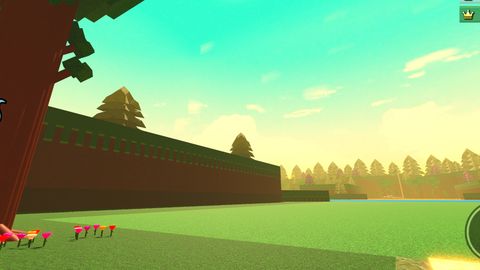


i will use ur gui hope its okay for u
@ACE97x nice
AI
@DarkaGe ai could not do ts what are you talking about
@idkjustchillin it is by ai ai can make this like grok can make this almost all ai can make this just look at the script it is obvious that its ai cus it says here it makes the gui here it looks at player things and no player does that only ai
@idkjustchillin ai coud
and in the script it says AI script can u read
made from ai but very good scipt
But it's good btw
@DarkaGe thanks
Is there an option to adjust it according to mobile data?
best script oat
how does work