- Added NoClip When Fly - New GUI v2 - Fixed Character Bouncing After Turning Off Fly
1

Reviewed by QueueSpeedDemonPaid revieweron How review works
No reports yet. Tried it? Be the first to say.
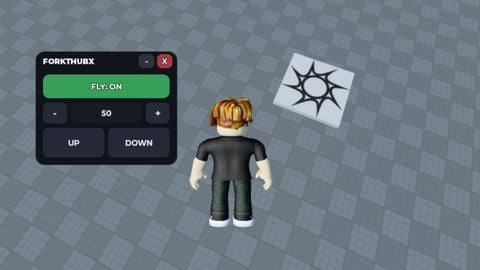
Toggle fly using the FLY: OFF / FLY: ON button Press F to enable or disable fly Adjust fly speed using + and - buttons Manually set speed through the textbox Speed is limited between 1 and 1000 Use UP and DOWN buttons to move upward or downward Keyboard controls: W/A/S/D to move Space to go up Left Shift or Q to go down GUI can be dragged anywhere on the screen GUI can be minimized into a small bar GUI can be closed using the X button Works on both mobile and PC Automatically stops flying when the character respawns Uses BodyVelocity and BodyGyro for smooth flight movement
Script edited
Update from ForktHubX: - Added NoClip When Fly - New GUI v2 - Fixed Character Bouncing After Turning Off Fly
- Added NoClip When Fly - New GUI v2 - Fixed Character Bouncing After Turning Off Fly
loadstring(game:HttpGet("https://script.forkthubx.workers.dev/raw/tnfj7UL3DC"))()

Script hub
#18 this month Axon Hub | 100+ Games & 3900+ Features


Script hub
Hall of Fame #7Flow Hub | 50 Games | Updated
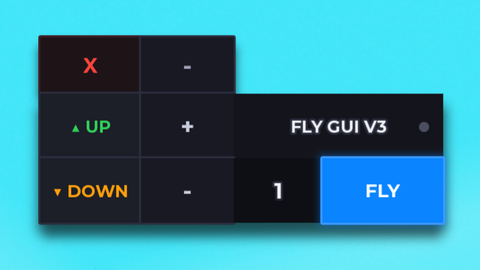 FLY V3 / V4 (GUI MOBILE)

Script hub
luau.pro | BEST +20 SHOOTING GAMES [MOBILE WORKS]
Easy And working 🔥🔥