
832 Views
6.3k Executions
Tour
Script hub
9 months ago
Please login to perform these actions:Does it work?
No reports yetNo reports yet. Tried it? Be the first to say.
Also noticed:
Description
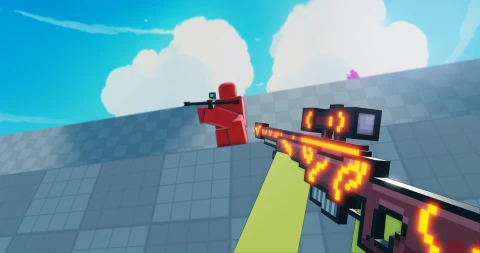
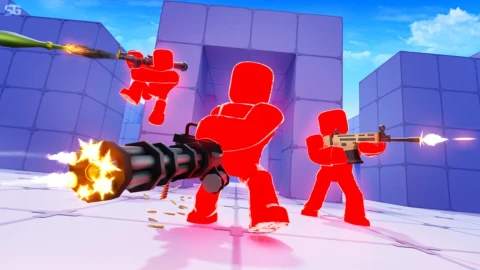
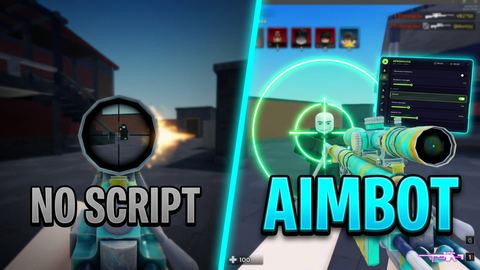
ESP and FOV for game Tour
Supported games 2
Flick
All scriptsNo features listed for this game yet.
local Players = game:GetService("Players")
local RunService = game:GetService("RunService")
local UserInputService = game:GetService("UserInputService")
local localPlayer = Players.LocalPlayer
local camera = workspace.CurrentCamera

-- Configurações de Estado
local espEnabled = false
local aimbotEnabled = false
local aimbotFOV = 250

-- Função de Arrastar Independente (Melhorada para Mobile)
local function makeElementDraggable(gui)
    local dragging, dragInput, dragStart, startPos
    gui.InputBegan:Connect(function(input)
        if input.UserInputType == Enum.UserInputType.MouseButton1 or input.UserInputType == Enum.UserInputType.Touch then
            dragging = true
            dragStart = input.Position
            startPos = gui.Position
        end
    end)
    gui.InputChanged:Connect(function(input)
        if input.UserInputType == Enum.UserInputType.MouseMovement or input.UserInputType == Enum.UserInputType.Touch then
            dragInput = input
        end
    end)
    UserInputService.InputChanged:Connect(function(input)
        if input == dragInput and dragging then
            local delta = input.Position - dragStart
            gui.Position = UDim2.new(startPos.X.Scale, startPos.X.Offset + delta.X, startPos.Y.Scale, startPos.Y.Offset + delta.Y)
        end
    end)
    gui.InputEnded:Connect(function(input)
        if input.UserInputType == Enum.UserInputType.MouseButton1 or input.UserInputType == Enum.UserInputType.Touch then
            dragging = false
        end
    end)
end

-- Criar ScreenGui


el skid