51.6k Views
1.0k Executions
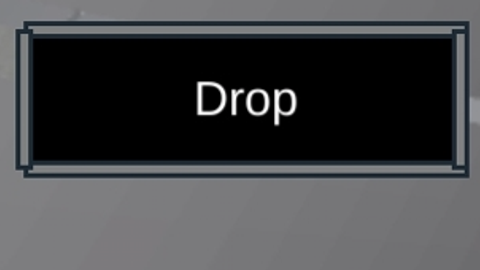
Drop items | tools | for Mobile users | mine script |
Universal Script 📌
Fanumtax7979Published 5
2 years ago
Please login to perform these actions:Does it work?
No reports yetNo reports yet. Tried it? Be the first to say.
Also noticed:
Description
Note: Only works On dropable items or tools
Updates
Script edited: Create script
local player = game.Players.LocalPlayer
local gui = Instance.new("ScreenGui")
gui.Parent = player.PlayerGui

-- Create a button for dropping the item
local dropButton = Instance.new("TextButton")
dropButton.Text = "Drop"
dropButton.Position = UDim2.new(0, 10, 0, 200) -- Position of the button
dropButton.Size = UDim2.new(0, 100, 0, 30)
dropButton.BackgroundColor3 = Color3.new(0, 0, 0) -- Black color
dropButton.TextColor3 = Color3.new(1, 1, 1) -- White text color
dropButton.Parent = gui

-- Create grey lines around the button
local function createLine(size, position, color)
    local line = Instance.new("Frame")
    line.Size = size
    line.Position = position
    line.BackgroundColor3 = color
    line.Parent = gui
    return line
end

-- Top line
createLine(UDim2.new(0, 100, 0, 2), UDim2.new(0, 10, 0, 198), Color3.new(0.5, 0.5, 0.5))

-- Bottom line
createLine(UDim2.new(0, 100, 0, 2), UDim2.new(0, 10, 0, 230), Color3.new(0.5, 0.5, 0.5))

-- Left line
createLine(UDim2.new(0, 2, 0, 30), UDim2.new(0, 8, 0, 200), Color3.new(0.5, 0.5, 0.5))

-- Right line
createLine(UDim2.new(0, 2, 0, 30), UDim2.new(0, 108, 0, 200), Color3.new(0.5, 0.5, 0.5))

-- Function to handle drop button click
local function onDropButtonClicked()
    local character = player.Character
    if character then
        local tool = character:FindFirstChildWhichIsA("Tool")

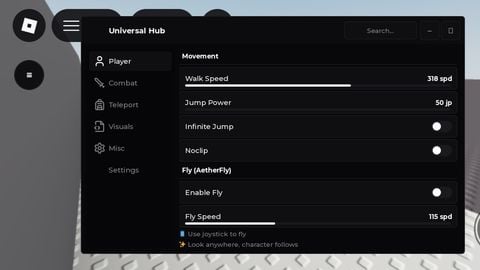
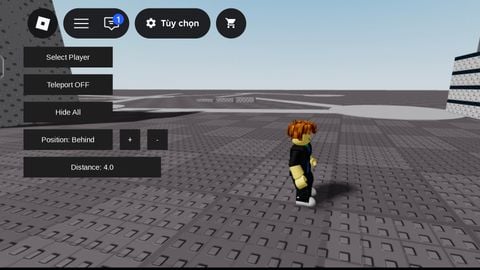

mine better: https://scriptblox.com/script/Universal-Script-Drop-Item-I-Mobile-GUI-16019
bro stole my script 😭