3.2k Views
152 Executions
Drag parts client sided
Universal Script 📌
CodedWithoutExecuterPublished 5
2 years ago
Please login to perform these actions:Does it work?
No reports yetNo reports yet. Tried it? Be the first to say.
Also noticed:
Description
Drag parts, if a part wont drag then you aren't close enough too it that should maybe fix it
--
local player = game.Players.LocalPlayer
local playerGui = player:WaitForChild("PlayerGui")

-- Create GUI
local screenGui = Instance.new("ScreenGui")
screenGui.Name = "DragSetupGui"
screenGui.ResetOnSpawn = false
screenGui.Parent = playerGui

local button = Instance.new("TextButton")
button.Size = UDim2.new(0, 300, 0, 50)
button.Position = UDim2.new(1, -10, 0.5, -25)  -- Right middle, offset 10px from edge
button.AnchorPoint = Vector2.new(1, 0.5)       -- Anchors to right-middle
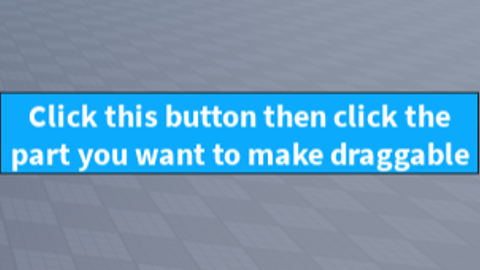
button.Text = "Click this button then click the part you want to make draggable"
button.BackgroundColor3 = Color3.fromRGB(0, 170, 255)
button.TextColor3 = Color3.new(1, 1, 1)
button.Font = Enum.Font.SourceSansBold
button.TextSize = 18
button.Parent = screenGui
button.Draggable = false -- Not draggable anymore
button.Active = true     -- Ensure it's clickable
button.TextScaled = true

local selecting = false
local mouse = player:GetMouse()

button.MouseButton1Click:Connect(function()
	selecting = true
	button.Text = "Now click a part..."
end)

mouse.Button1Down:Connect(function()
	if selecting then
		local target = mouse.Target
		if target and target:IsA("BasePart") then
			target.Locked = false
			local dragDetector = Instance.new("DragDetector")
			dragDetector.Name = "Draggable"
			dragDetector.DragStyle = Enum.DragDetectorDragStyle.TranslateViewPlane
Comments
0Log in to join the conversation. Login
No comments yet. Be the first!