4.8k Views
237 Executions

Does it work?
No reports yetNo reports yet. Tried it? Be the first to say.
Also noticed:
Description
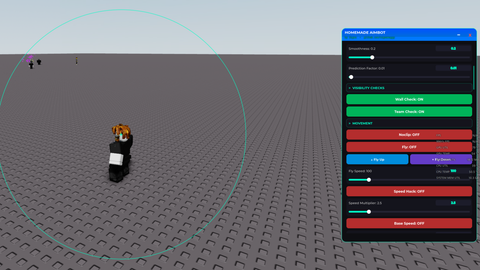
A Drag yourself mode with sliders [READ] Turn the toggle on, click and hold "E" over your character, and you can drag yourself around with your mouse. You can adjust the drag speed (which im positive is broken) and lean sensitivity, which when set higher, it makes you lean farther when dragging yourself or smth. Sliders are kinda offset. (MADE WITH CHATGPT) Tags: drag, drag yourself, drag mode, fun, universal, funny, troll, customizable
local Players = game:GetService("Players")
local RunService = game:GetService("RunService")
local UserInputService = game:GetService("UserInputService")
local Workspace = game:GetService("Workspace")

local player = Players.LocalPlayer
local mouse = player:GetMouse()
local camera = Workspace.CurrentCamera

local holdingE = false
local draggingEnabled = false
local dragging = false
local lastPos = nil
local bounceActive = false
local bounceTime = 0
local bounceDuration = 0.5
local lastTilt = 0
local bounceOrigin = nil

-- SETTINGS (default values)
local dragSpeedMultiplier = 0.5 -- start at default 50 mapped to 0.5
local leanSensitivity = 1 -- default 1.0
local maxTilt = 35 -- max degrees to lean back
local ceilingTilt = 70 -- max cap for dynamic max tilt

-- GUI SETUP
local gui = Instance.new("ScreenGui", player:WaitForChild("PlayerGui"))
gui.Name = "DragLeanGui"
gui.ResetOnSpawn = false

local toggle = Instance.new("TextButton")
toggle.Size = UDim2.new(0, 160, 0, 40)
toggle.Position = UDim2.new(0, 20, 0, 20)
toggle.BackgroundColor3 = Color3.fromRGB(60, 60, 60)
toggle.TextColor3 = Color3.new(1, 1, 1)
toggle.Font = Enum.Font.GothamBold
toggle.TextSize = 18
toggle.Text = "Drag Mode: OFF"
toggle.Parent = gui
Comments
0Log in to join the conversation. Login
No comments yet. Be the first!