
2.7k Views
11 Executions
ActNormal Executer made by You
Universal Script 📌
Gray1o7Published 5
2 years ago
Please login to perform these actions:Does it work?
No reports yetNo reports yet. Tried it? Be the first to say.
Also noticed:
Description
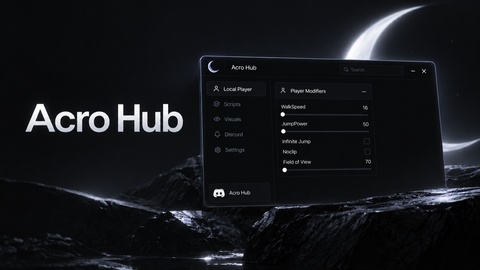
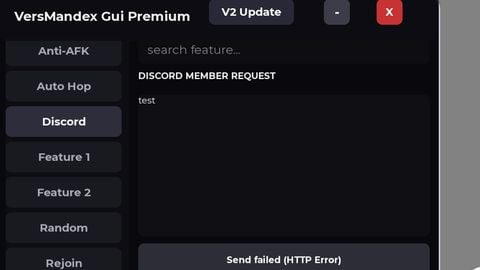
This executer is working you can execute and clear or put text.
local UserInputService = game:GetService("UserInputService")

local function isAllowedDevice()
    return UserInputService.TouchEnabled or UserInputService.KeyboardEnabled
end

if not isAllowedDevice() then
    return
end

local screenGui = Instance.new("ScreenGui")
screenGui.Name = "DeltaExecutor"
screenGui.Parent = game.Players.LocalPlayer:WaitForChild("PlayerGui")

local frame = Instance.new("Frame")
frame.Name = "MainFrame"
frame.Parent = screenGui
frame.Size = UDim2.new(0.3, 0, 0.4, 0)
frame.Position = UDim2.new(0.35, 0, 0.3, 0)
frame.BackgroundColor3 = Color3.fromRGB(34, 34, 34)
frame.BorderSizePixel = 2
frame.BorderColor3 = Color3.fromRGB(85, 170, 255)
frame.Active = true

local textBox = Instance.new("TextBox")
textBox.Name = "ScriptBox"
textBox.Parent = frame
textBox.Size = UDim2.new(0.9, 0, 0.6, 0)
textBox.Position = UDim2.new(0.05, 0, 0.05, 0)
textBox.BackgroundColor3 = Color3.fromRGB(255, 255, 255)
textBox.Text = "Put Script Here"
textBox.Font = Enum.Font.SourceSans
textBox.TextSize = 18
textBox.TextColor3 = Color3.fromRGB(0, 0, 0)
textBox.ClearTextOnFocus = true

local executeButton = Instance.new("TextButton")
executeButton.Name = "ExecuteButton"
executeButton.Parent = frame
executeButton.Size = UDim2.new(0.4, 0, 0.2, 0)





I will now make new version
Uhh what is going on