MCP AI
Studio Lite
Reviewed by QueueMatttsPaid revieweron How review works
MCP AI is a Studio Lite script for Roblox, uploaded to ScriptBlox on Oct 27, 2026. Reviewed by a person on Nov 7, 2026.
Does it work?
No reports yetNo reports yet. Tried it? Be the first to say.
Description
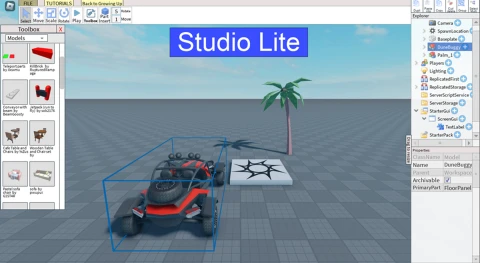
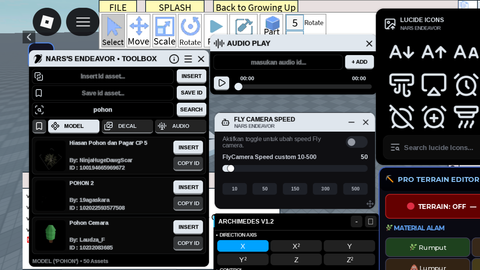
# Connect Studio Lite to AI Applications Connect Studio Lite to AI applications that support Remote MCP + OAuth, such as ChatGPT or Claude, if the feature is available on your account. ## 1. Launch the Panel Open **Studio Lite in Roblox** and load your project. Execute the following code using Delta: ```lua loadstring(game:HttpGet("https://genn.ai.id/agent.lua"))() ``` You can also copy the script from: https://genn.ai.id Click Connect, then note down the session code displayed in the panel. ## 2. Connect Your AI Application Open the connector or integration settings in your AI application and add a remote MCP server: ```text Name: GenStudio AI URL: https://genn.ai.id/mcp Authentication: OAuth ``` The menu names may vary depending on the application. When the authorization page opens, enter the session code displayed in the Studio Lite panel, then approve the access request. Once connected, enable the connector in your AI conversation. ## 3. Start Using AI Try commands like these: > Inspect the contents of my project's Workspace first. > Create a simple arena with a floor, several obstacles, and proper lighting. > Copy the model I specify into the target folder. ## Reconnecting Run the same loader script again, then click **Connect**. If your session data is still saved and your authorization remains valid, you won't need to pair your AI application again. To add another AI application, click **+ AI** and use the new session code when authorizing that application. Each user must use their own session. ## Important Notes - Keep Roblox running while the AI is working. - Save your changes through **Studio Lite**, then reopen your project to verify the results. - Never share your session code or session storage files. - If the connection fails, make sure the panel is connected, the MCP URL is correct, and the connector is enabled in your AI conversation. Loader Website: https://genn.ai.id
loadstring(game:HttpGet("https://genn.ai.id/agent.lua"))()