4.9k Views
15 Executions
Does it work?
No reports yetNo reports yet. Tried it? Be the first to say.
Also noticed:
Description
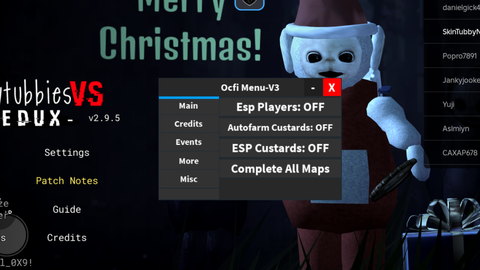
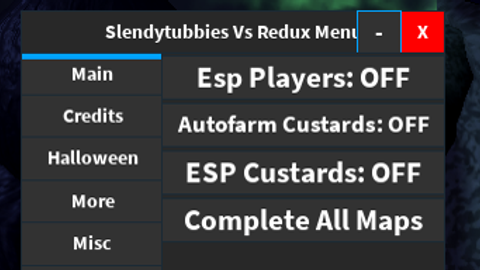
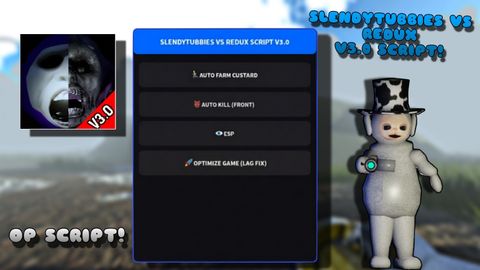
slendytubbies vs redux Script de skins
Updates
Script edited: Update script
Script edited: Update script
Script edited: Update script
Script edited: Update script
-- Coloque em StarterPlayerScripts

local player = game.Players.LocalPlayer
local character = player.Character or player.CharacterAdded:Wait()

-- Função de skin Shadow
local function aplicarShadow()
	for _, v in pairs(character:GetDescendants()) do
		if v:IsA("BasePart") then
			v.Color = Color3.fromRGB(0, 0, 0)
			v.Material = Enum.Material.SmoothPlastic
		end
	end

	-- olhos brilhando (simples)
	local head = character:FindFirstChild("Head")
	if head then
		local light = Instance.new("PointLight")
		light.Color = Color3.fromRGB(255,255,255)
		light.Brightness = 2
		light.Range = 5
		light.Parent = head
	end
end

-- Ativar com tecla (ex: tecla "K")
game:GetService("UserInputService").InputBegan:Connect(function(input)
	if input.KeyCode == Enum.KeyCode.K then
		aplicarShadow()
	end
end)
Comments
0Log in to join the conversation. Login
No comments yet. Be the first!