4.0k Views
38.1k Executions
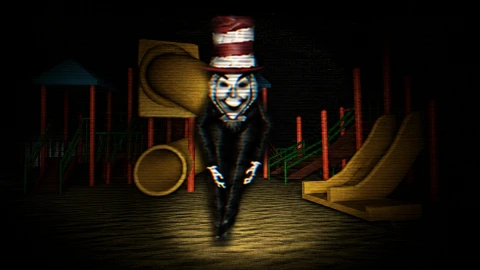
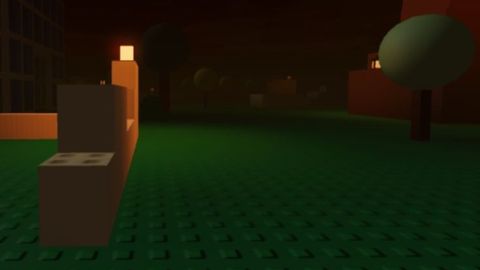
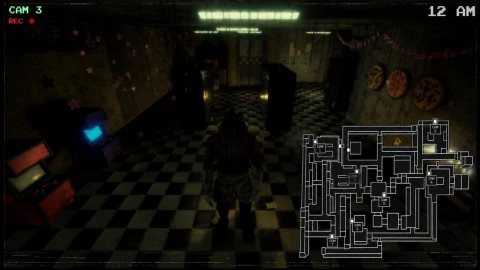
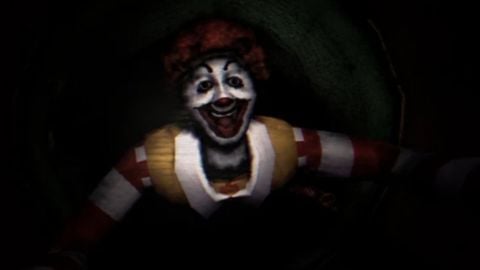
scream
10K executions
Scream And Run
maricar67210K executions
2 months ago
Reviewed by QueueHeroPaid revieweron How review works
scream is a Scream And Run script for Roblox, uploaded to ScriptBlox on Sep 13, 2026. Reviewed by a person on Sep 13, 2026.
Does it work?
No reports yetNo reports yet. Tried it? Be the first to say.
Also noticed:
Description
hab fun
local Players = game:GetService("Players")
local RunService = game:GetService("RunService")
local UserInputService = game:GetService("UserInputService")
local CoreGui = game:GetService("CoreGui")

local LocalPlayer = Players.LocalPlayer

-- Create Main GUI Container
local ScreenGui = Instance.new("ScreenGui")
ScreenGui.Name = "ScreamAndRunMenu"
ScreenGui.ResetOnSpawn = false
-- Parent to CoreGui so it stays active and hidden from standard game scripts
ScreenGui.Parent = CoreGui

-- State Variables
local playerEspEnabled = false
local catEspEnabled = false
local playerHighlights = {}
local catHighlights = {}

-- Create UI Elements
local MainFrame = Instance.new("Frame")
local UIListLayout = Instance.new("UIListLayout")
local TitleLabel = Instance.new("TextLabel")
local PlayerToggleButton = Instance.new("TextButton")
local CatToggleButton = Instance.new("TextButton")
local InstructionsLabel = Instance.new("TextLabel")
local UICorner = Instance.new("UICorner")

-- Styling the Main Menu Frame
MainFrame.Size = UDim2.new(0, 220, 0, 240)
MainFrame.Position = UDim2.new(0.05, 0, 0.3, 0)
MainFrame.BackgroundColor3 = Color3.fromRGB(25, 25, 25)
MainFrame.BorderSizePixel = 0
MainFrame.Active = true
MainFrame.Draggable = true -- Allows you to click and drag the menu around
MainFrame.Visible = true
MainFrame.Parent = ScreenGui

local frameCorner = UICorner:Clone()
Comments
0Log in to join the conversation. Login
No comments yet. Be the first!