More Features Added+
2

No reports yet. Tried it? Be the first to say.
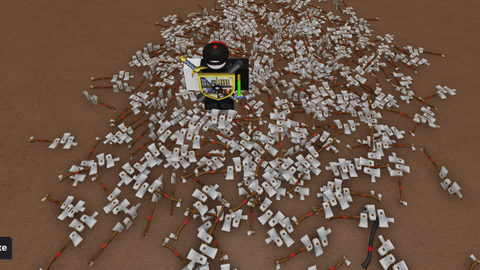
📜 Script Description & Feature OverviewThis script is an Enhanced Dupe Axe v4 GUI tailored for Lumber Tycoon 2 (Roblox). It features built-in automation to safely void your character and request a base reload using a specific save slot.Anti-Spam 60s Cooldown: The main button automatically locks for exactly 1 minute (60 seconds) after executing the dupe. This safeguards your game against accidental double-loading, preventing data corruption or loss.Visual Countdown Timer: During the cooldown, the button shifts to a neutral Gray color and displays a real-time countdown (e.g., Wait: 60s) so you know exactly when it is safe to use again.Independent TP Base: The TP Base button is completely unaffected by the cooldown. You can teleport to your base at any given time, even while waiting out the 1-minute dupe timer.Draggable GUI: The interface frame can be dragged anywhere across your screen to ensure it does not block your active gameplay view.🛠️ Step-by-Step Tutorial (How to Use)Follow these simple steps to operate the script properly:1. Launching the ScriptOpen Lumber Tycoon 2 on Roblox.Open your trusted Roblox Exploit/Executor (such as Wave, Synapse Z, Solara, etc.).Paste the entire script code into the executor environment and click Inject/Execute.The dupe axe v3 interface window will appear at the center of your screen.2. Executing Void & Reload (The Dupe Logic)Inside the Slot # text box, type your exact save slot number (e.g., 1, 2, or 3).Click the blue Void & Reload Base button.What happens next?The script unanchors your character parts and drops you into the map void (-350 depth) for exactly 3.5 seconds.Right after the 3.5-second mark, the script invokes the server to safely reload your base slot.Once the reload request completes, the 60-second cooldown begins immediately. The button will turn gray and countdown to 0.3. Using the TP Base FunctionWhile waiting for the 1-minute dupe timer to finish, feel free to click the green TP Base button at the bottom.It searches for your claimed plot coordinates and instantly teleports your character safely to your property.Note: If your property is not yet claimed or fully loaded by the server, an error stating "Base not loaded or ready!" will pop up inside the slot box.⚠️ Important Reminders (Safety Guidelines)Verify Your Input: While the built-in cooldown stops accidental spam clicks, always ensure you typed the correct slot number before launching the action.Avoid Closing GUI During Cooldown: Clicking the X button while a countdown is active will wipe the GUI from your screen. Re-executing the script afterwards resets the timer back to its initial state.If
More Features Added+
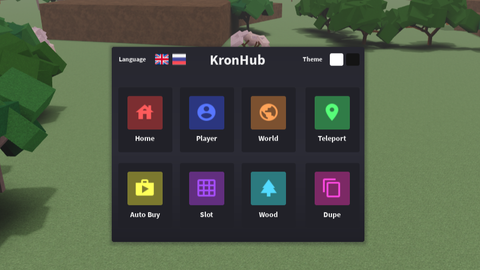
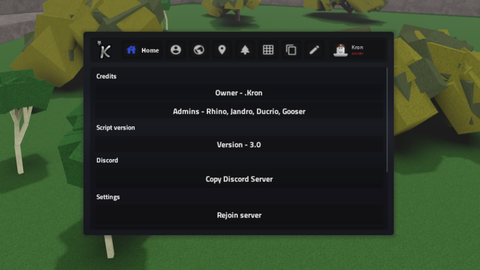


Script hub
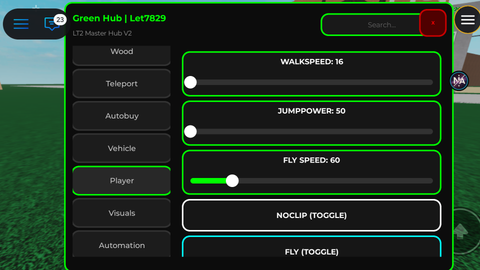
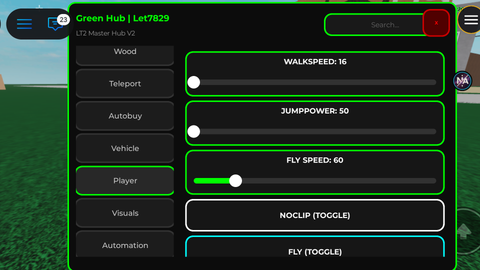

Script hub

Script hub
