4.1k Views
17 Executions
script
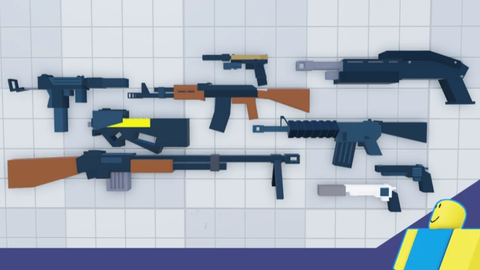
Gun Grounds FFA
antoniomorante991First script
2 years ago
Please login to perform these actions:script is a Gun Grounds FFA script for Roblox, uploaded to ScriptBlox on Apr 15, 2025.
Does it work?
No reports yetNo reports yet. Tried it? Be the first to say.
Also noticed:
Description
Best script for GUN GROUNDS FFA
-- Main GUI
local screenGui = Instance.new("ScreenGui")
screenGui.Name = "MainGUI"
screenGui.ResetOnSpawn = false
screenGui.Parent = game.Players.LocalPlayer:WaitForChild("PlayerGui")

-- Toggle Button (X) - separate from frame
local toggleBtn = Instance.new("TextButton", screenGui)
toggleBtn.Size = UDim2.new(0, 30, 0, 30)
toggleBtn.Position = UDim2.new(0.95, -35, 0, 5)
toggleBtn.Text = "X"
toggleBtn.BackgroundColor3 = Color3.fromRGB(0, 0, 0)
toggleBtn.TextColor3 = Color3.fromRGB(255, 0, 0)

-- Main Frame
local frame = Instance.new("Frame", screenGui)
frame.Size = UDim2.new(0.4, 0, 0.6, 0)
frame.Position = UDim2.new(0.3, 0, 0.2, 0)
frame.BackgroundColor3 = Color3.fromRGB(80, 80, 80)
frame.BorderSizePixel = 0
frame.Active = true
frame.Draggable = true

toggleBtn.MouseButton1Click:Connect(function()
    frame.Visible = not frame.Visible
end)

-- Button Definitions
local buttonNames = {"aimbot", "esp", "change gun", "redeploy", "hitboxes"}
local buttons = {}

for i, name in ipairs(buttonNames) do
    local btn = Instance.new("TextButton", frame)
    btn.Size = UDim2.new(0.8, 0, 0.08, 0)
    btn.Position = UDim2.new(0.1, 0, 0.05 + (i-1)*0.1, 0)
    btn.Text = name
    btn.Name = name
    btn.BackgroundColor3 = Color3.new(0, 0, 0)
    btn.TextColor3 = Color3.fromRGB(255, 0, 0)
    buttons[name] = btn


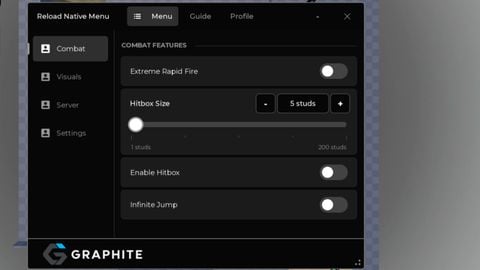
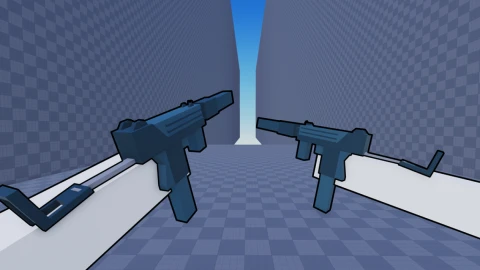


Change gun doesn't work bro and the hitboxes too