3.9k Views
3 Executions

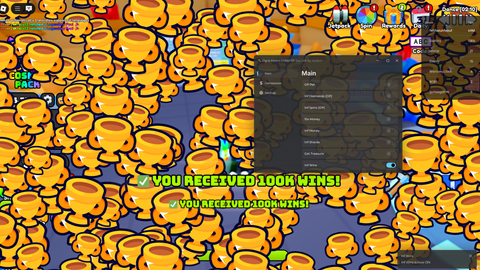
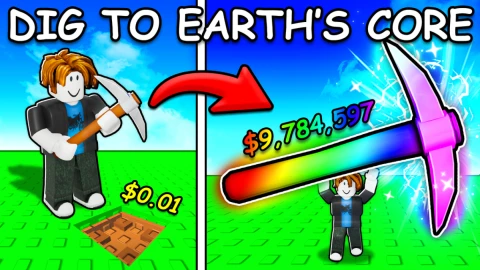
Autofarm is a Dig to Earth's CORE script for Roblox, uploaded to ScriptBlox on Jul 3, 2025.
Does it work?
No reports yetNo reports yet. Tried it? Be the first to say.
Also noticed:
Description
auto money auto pet auto treasure
local Players = game:GetService("Players")
local ReplicatedStorage = game:GetService("ReplicatedStorage")
local player = Players.LocalPlayer
local TreasureFolder = workspace:WaitForChild("Treasure")

local screenGui = Instance.new("ScreenGui")
screenGui.Name = "TreasureAutoUI"
screenGui.ResetOnSpawn = false
screenGui.Parent = player:WaitForChild("PlayerGui")

local frame = Instance.new("Frame")
frame.Position = UDim2.new(0.5, -120, 0.5, -80)
frame.Size = UDim2.new(0, 240, 0, 110)
frame.BackgroundColor3 = Color3.fromRGB(30, 30, 30)
frame.AnchorPoint = Vector2.new(0.5, 0.5)
frame.Active = true
frame.Draggable = true
frame.ZIndex = 2
frame.Parent = screenGui

Instance.new("UICorner", frame).CornerRadius = UDim.new(0, 12)

local treasureButton = Instance.new("TextButton")
treasureButton.Size = UDim2.new(1, -20, 0, 40)
treasureButton.Position = UDim2.new(0, 10, 0, 10)
treasureButton.BackgroundColor3 = Color3.fromRGB(50, 100, 200)
treasureButton.TextColor3 = Color3.new(1, 1, 1)
treasureButton.Font = Enum.Font.GothamBold
treasureButton.TextSize = 16
treasureButton.Text = "Auto Treasure"
treasureButton.Parent = frame
Instance.new("UICorner", treasureButton).CornerRadius = UDim.new(0, 8)

local autoMoneyButton = Instance.new("TextButton")
autoMoneyButton.Size = UDim2.new(1, -20, 0, 40)
autoMoneyButton.Position = UDim2.new(0, 10, 0, 60)
autoMoneyButton.BackgroundColor3 = Color3.fromRGB(0, 170, 100)
autoMoneyButton.TextColor3 = Color3.new(1, 1, 1)
autoMoneyButton.Font = Enum.Font.GothamBold
autoMoneyButton.TextSize = 16
Comments
0Log in to join the conversation. Login
No comments yet. Be the first!