408 Views
118 Executions

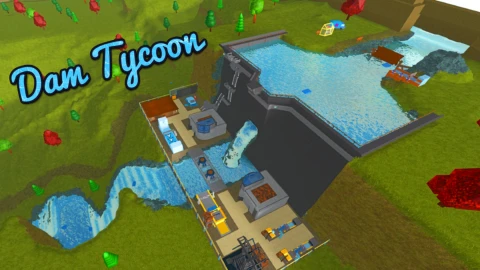
AutoObby is a Dam Tycoon script for Roblox, uploaded to ScriptBlox on Jul 13, 2026.
Does it work?
No reports yetNo reports yet. Tried it? Be the first to say.
Also noticed:
Description
Tweak the cd values to your preferences
local dest = Vector3.new(-91.1948, 966.2369, -885.9586)
local cd = 1.5

local Players = game:GetService("Players")
local plyr = Players.LocalPlayer

-- Create ScreenGui
local gui = Instance.new("ScreenGui")
gui.Name = "TeleportGui"
gui.ResetOnSpawn = false

-- Prefer PlayerGui if available
local playerGui = plyr:WaitForChild("PlayerGui", 5)
gui.Parent = playerGui or game:GetService("CoreGui")

-- Create Button
local button = Instance.new("TextButton")
button.Name = "TeleportButton"
button.Size = UDim2.new(0, 150, 0, 40)
button.Position = UDim2.new(0, 20, 0, 20)
button.BackgroundColor3 = Color3.fromRGB(30, 30, 30)
button.TextColor3 = Color3.fromRGB(255, 255, 255)
button.Font = Enum.Font.SourceSansBold
button.TextSize = 20
button.Text = "Teleport: OFF"
button.Parent = gui

local teleporting = false

button.MouseButton1Click:Connect(function()
    teleporting = not teleporting
    button.Text = teleporting and "Teleport: ON" or "Teleport: OFF"
end)

task.spawn(function()
    while true do
        if teleporting then
            local character = plyr.Character or plyr.CharacterAdded:Wait()
            local root = character:WaitForChild("HumanoidRootPart")
            root.CFrame = CFrame.new(dest)
Comments
0Log in to join the conversation. Login
No comments yet. Be the first!