533 Views
1.2k Executions
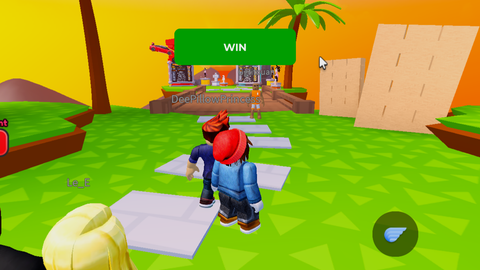
jetrichepaspromisje Win button
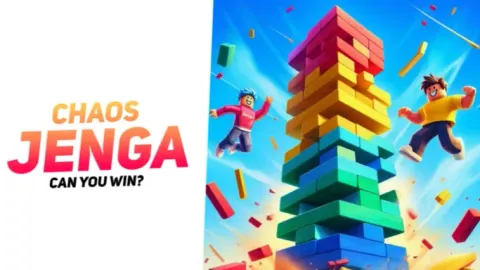
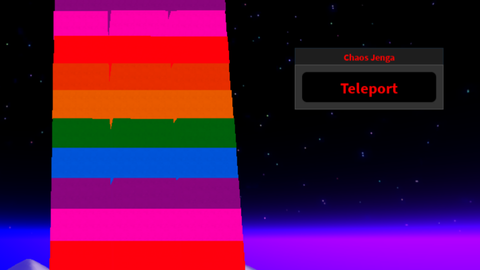
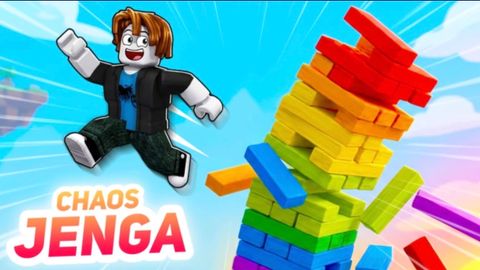
Chaos Jenga
loulouyuna49Published 5
10 months ago
Please login to perform these actions:jetrichepaspromisje Win button is a Chaos Jenga script for Roblox, uploaded to ScriptBlox on Jan 11, 2026.
Does it work?
No reports yetNo reports yet. Tried it? Be the first to say.
Also noticed:
Description
win button iwi
local player = game.Players.LocalPlayer
local playerGui = player:WaitForChild("PlayerGui")

local screenGui = Instance.new("ScreenGui")
screenGui.Name = "TeleportGui"
screenGui.ResetOnSpawn = false
screenGui.Parent = playerGui

local winButton = Instance.new("TextButton")
winButton.Name = "win"
winButton.Size = UDim2.new(0, 200, 0, 60)
winButton.Position = UDim2.new(0.5, -100, 0.1, 0)
winButton.BackgroundColor3 = Color3.fromRGB(0, 170, 0)
winButton.BorderSizePixel = 3
winButton.BorderColor3 = Color3.fromRGB(0, 255, 0)
winButton.Font = Enum.Font.GothamBold
winButton.Text = "WIN"
winButton.TextColor3 = Color3.fromRGB(255, 255, 255)
winButton.TextSize = 20
winButton.Parent = screenGui

local corner = Instance.new("UICorner")
corner.CornerRadius = UDim.new(0, 10)
corner.Parent = winButton

local character = player.Character or player.CharacterAdded:Wait()
local humanoidRootPart = character:WaitForChild("HumanoidRootPart")
local targetPart = workspace:WaitForChild("Button")

local function teleportPlayer()
    if humanoidRootPart and targetPart then
        humanoidRootPart.CFrame = targetPart.CFrame + Vector3.new(0, 5, 0)
        winButton.BackgroundColor3 = Color3.fromRGB(0, 255, 0)
        wait(0.2)
        winButton.BackgroundColor3 = Color3.fromRGB(0, 170, 0)
    end
end

winButton.MouseEnter:Connect(function()
    winButton.BackgroundColor3 = Color3.fromRGB(0, 200, 0)
Comments
0Log in to join the conversation. Login
No comments yet. Be the first!