
17.9k Views
285 Executions

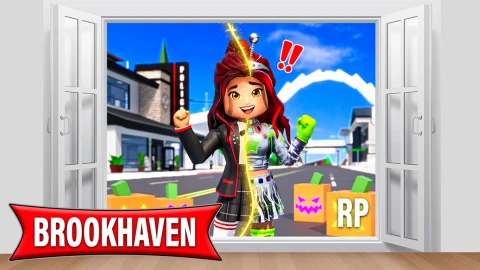
Fake lag Gui is a Brookhaven RP script for Roblox, uploaded to ScriptBlox on Sep 17, 2025.
Does it work?
No reports yetNo reports yet. Tried it? Be the first to say.
Also noticed:
Description
Hi
local Players = game:GetService("Players")
local RunService = game:GetService("RunService")
local player = Players.LocalPlayer
local PlayerGui = player:WaitForChild("PlayerGui")
local character = player.Character or player.CharacterAdded:Wait()
local rootPart = character:WaitForChild("HumanoidRootPart")

local lagEnabled = false
local glitchIntensity = 2.5
local minLag = 0.01
local maxLag = 0.1
local lagChance = 0.95
local lastPosition = rootPart.Position

local ScreenGui = Instance.new("ScreenGui")
ScreenGui.Parent = PlayerGui

local Frame = Instance.new("Frame")
Frame.Size = UDim2.new(0, 160, 0, 50)
Frame.Position = UDim2.new(0.5, -80, 0.1, 0)
Frame.BackgroundColor3 = Color3.fromRGB(15, 15, 15)
Frame.BorderSizePixel = 0
Frame.AnchorPoint = Vector2.new(0.5, 0)
Frame.Parent = ScreenGui
Frame.Active = true
Frame.Draggable = true

local UICorner = Instance.new("UICorner")
UICorner.CornerRadius = UDim.new(0, 25)
UICorner.Parent = Frame

local ToggleButton = Instance.new("TextButton")
ToggleButton.Size = UDim2.new(0.8, 0, 0.4, 0)
ToggleButton.Position = UDim2.new(0.1, 0, 0.1, 0)
ToggleButton.BackgroundColor3 = Color3.fromRGB(60, 60, 60)
ToggleButton.TextColor3 = Color3.fromRGB(255, 255, 255)
ToggleButton.Font = Enum.Font.Gotham
ToggleButton.TextSize = 16
ToggleButton.Text = "OFF"
ToggleButton.AutoButtonColor = false


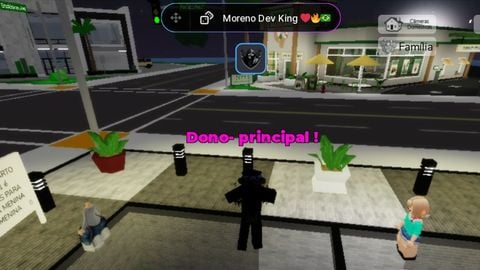
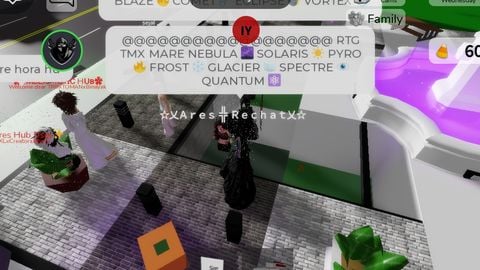
One thing to make this better is make the screen less shaky if you are able to, and make it when we jump it noclips to the ground like actual lag if you've seen it.
Hi, nice script.!