1.1k Views
94 Executions

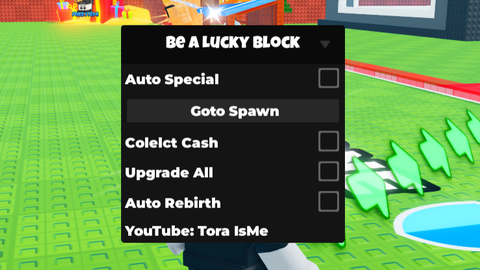
Autofarm is a Be a Lucky Block script for Roblox, uploaded to ScriptBlox on Mar 29, 2026.
Does it work?
No reports yetNo reports yet. Tried it? Be the first to say.
Also noticed:
Description
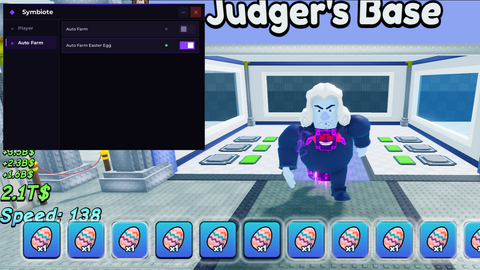
Just auto farms pets for you
local _autoFarmActive = false
local player = game.Players.LocalPlayer
local targetPath = workspace:WaitForChild("Plots"):WaitForChild("3"):WaitForChild("3"):WaitForChild("PlotSurface"):WaitForChild("Part")

local Rep = game:GetService("ReplicatedStorage")
local KnitPath = Rep:WaitForChild("Packages"):WaitForChild("_Index"):WaitForChild("sleitnick_knit@1.7.0"):WaitForChild("knit"):WaitForChild("Services")

local StartRunRF = KnitPath:WaitForChild("RunningService"):WaitForChild("RF"):WaitForChild("StartRun")
local ReloadCharRF = KnitPath:WaitForChild("PlayerService"):WaitForChild("RF"):WaitForChild("ReloadCharacter")
local OpenLuckyBlockRF = KnitPath:WaitForChild("RunningService"):WaitForChild("RF"):WaitForChild("OpenLuckyBlock")

local ScreenGui = Instance.new("ScreenGui")
local MainButton = Instance.new("TextButton")
local UICorner = Instance.new("UICorner")

ScreenGui.Name = game:GetService('Players').LocalPlayer.Name
ScreenGui.Parent = game.CoreGui
ScreenGui.ResetOnSpawn = false

MainButton.Name = game:GetService('Players').LocalPlayer.Name
MainButton.Parent = ScreenGui
MainButton.BackgroundColor3 = Color3.fromRGB(40, 40, 40)
MainButton.Position = UDim2.new(0.5, -75, 0.5, -25)
MainButton.Size = UDim2.new(0, 150, 0, 50)
MainButton.Font = Enum.Font.SourceSansBold
MainButton.Text = "Off"
MainButton.TextColor3 = Color3.new(1, 1, 1)
MainButton.TextSize = 20
MainButton.Active = true
MainButton.Draggable = true

UICorner.CornerRadius = UDim.new(0, 8)
UICorner.Parent = MainButton

local function startLoop()
    while _autoFarmActive do
        task.wait()

        task.spawn(function()
            pcall(function()
Comments
0Log in to join the conversation. Login
No comments yet. Be the first!