
1.4k Views
62 Executions
Your position
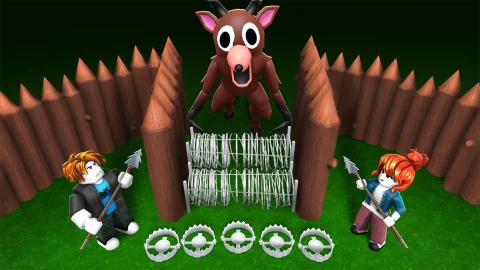
99 Nights in the Forest
OnlyThePowerPublished 10
1 year ago
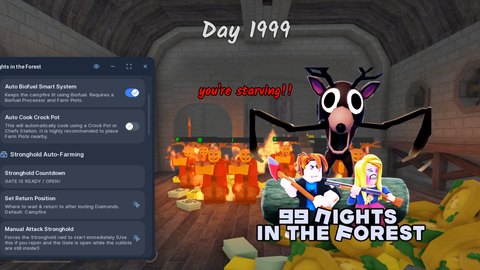
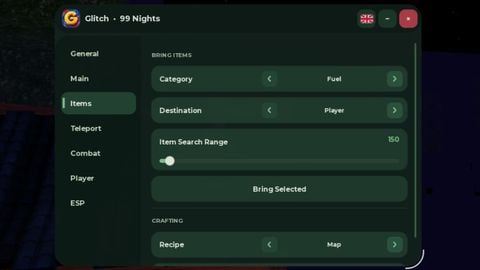
Please login to perform these actions:Your position is a 99 Nights in the Forest script for Roblox, uploaded to ScriptBlox on Sep 20, 2025.
Does it work?
No reports yetNo reports yet. Tried it? Be the first to say.
Also noticed:
Description
Can be used for all games
Updates
Script edited: Update script
local Players = game:GetService("Players")
local RunService = game:GetService("RunService")
local TweenService = game:GetService("TweenService")

local player = Players.LocalPlayer

local gui = Instance.new("ScreenGui")
gui.Name = "YourPositionGUI"
gui.ResetOnSpawn = false
gui.Parent = player:WaitForChild("PlayerGui")

local loadingFrame = Instance.new("Frame", gui)
loadingFrame.Size = UDim2.new(0, 260, 0, 130)
loadingFrame.Position = UDim2.new(0.5, -130, 0.5, -65)
loadingFrame.BackgroundColor3 = Color3.fromRGB(18, 18, 18)
loadingFrame.BorderSizePixel = 0
Instance.new("UICorner", loadingFrame).CornerRadius = UDim.new(0, 18)

local loadStroke = Instance.new("UIStroke", loadingFrame)
loadStroke.Color = Color3.fromRGB(70, 70, 70)
loadStroke.Thickness = 1.5

local loadingText = Instance.new("TextLabel", loadingFrame)
loadingText.Size = UDim2.new(1, 0, 0, 60)
loadingText.Position = UDim2.new(0, 0, 0, 15)
loadingText.BackgroundTransparency = 1
loadingText.Text = "Loading..."
loadingText.TextColor3 = Color3.fromRGB(255, 255, 255)
loadingText.Font = Enum.Font.GothamBold
loadingText.TextSize = 16

local barBg = Instance.new("Frame", loadingFrame)
barBg.Size = UDim2.new(1, -40, 0, 10)
barBg.Position = UDim2.new(0, 20, 1, -35)
barBg.BackgroundColor3 = Color3.fromRGB(40, 40, 40)
barBg.BorderSizePixel = 0
Instance.new("UICorner", barBg).CornerRadius = UDim.new(1, 0)

local bar = Instance.new("Frame", barBg)
bar.Size = UDim2.new(0, 0, 1, 0)


its good for scripters no auto copy could be better!
Done
Contact me at discord sc.devolper
Hey OnlyThePower
Thanks thats great to have!