109.2k Views
720 Executions

Auto Draw is a Spray Paint script for Roblox, uploaded to ScriptBlox on Mar 25, 2022.
Does it work?
No reports yetNo reports yet. Tried it? Be the first to say.
Also noticed:
Description
How to use script: -1 : In your executor workspace make a folder named "PNGLoader" . -2 : find a PNG photo and put the photo in the folder (PNG PHOTOS ONLY) . -3 : Execute the script -4 : Remember the bigger photo you use the longer the photo will print You can press T And R for Rotate and Tilt, however it still needs to be flush with a wall you can't make it float !!

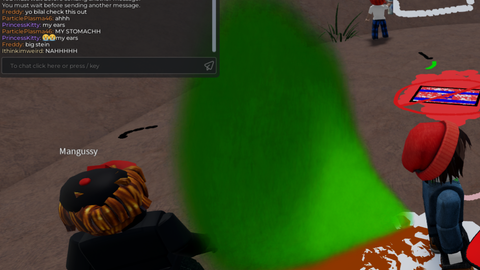
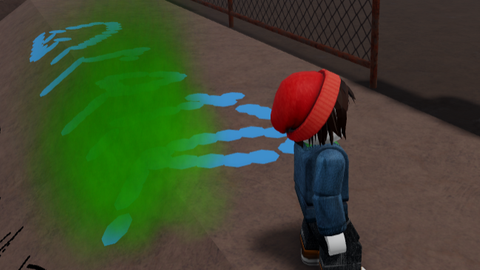
I'm on synapse, and I'm doing every step correctly, but when I click when I want the image, the blue F just stays there on the wall.
is not it patched? last time i checked v3rmillion was patched, and the OP were working on a fix
I will miss you lovely script
Patche
PNG loader?
i still dont understand how to do this is there a tut or something
Everytime I try the script the picture is an F